
Tag: lightroom

  • My Second Research Term For The Arcanum: Chromatic Aberration. Why? It’s Annoying…

    My Second Research Term For The Arcanum: Chromatic Aberration. Why? It’s Annoying…

    SAMSUNG CAMERA PICTURES

    So if you read my post My First Research Term For The Arcanum: Silence. Why? It’s Complicated…, you’d know what this is all about. As Robin Griggs Wood’s apprentice in Trey Ratcliff’s Arcanum, part of each week’s challenge is to research a term that relates to creativity. While the first term I researched was silence, this time, I chose “chromatic aberration.” Whether you know what it is or not, you’ve seen it, you’ve experienced it, and it’s annoyed the living crap out of you, so here’s a basic breakdown of the bugger and what I’ve found.What Exactly Is Chromatic Aberration?

    So this is one that has usually just meant nothing more to me than “those annoying purple or green fringes I get on high contrast edges in some of my pictures, especially when the sun is involved.” I knew it had something to do with the lens, something to do with the light angle, and something to do with, well, sciency stuff, so figured this was a perfect opportunity and reason to find out once and for all what chromatic aberration is and how and why it’s caused (and if there’s anything I can do to avoid it).

    The science: Wikipedia puts it like this: “Chromatic aberration (CA, also called achromatism, chromatic distortion, and spherochromatism) is a type of distortion in which there is a failure of a lens to focus all colors to the same convergence point. It occurs because lenses have different refractive indices for different wavelengths of light (the dispersion of the lens). The refractive index decreases with increasing wavelength.”

    Well, duh! I could have told you that (yeah right…).
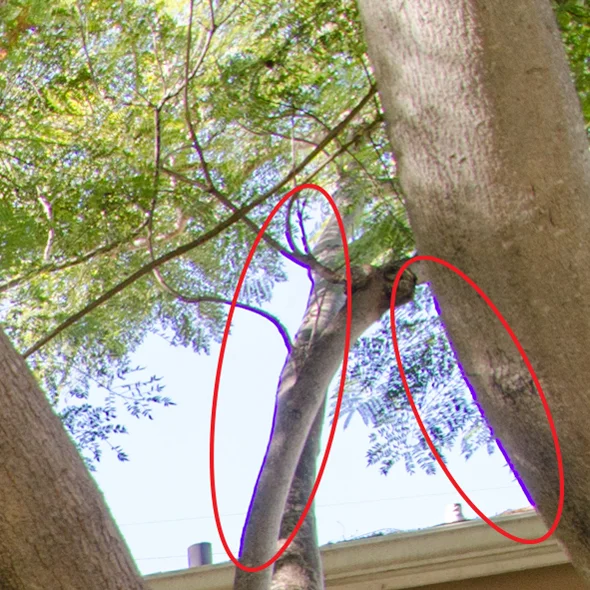
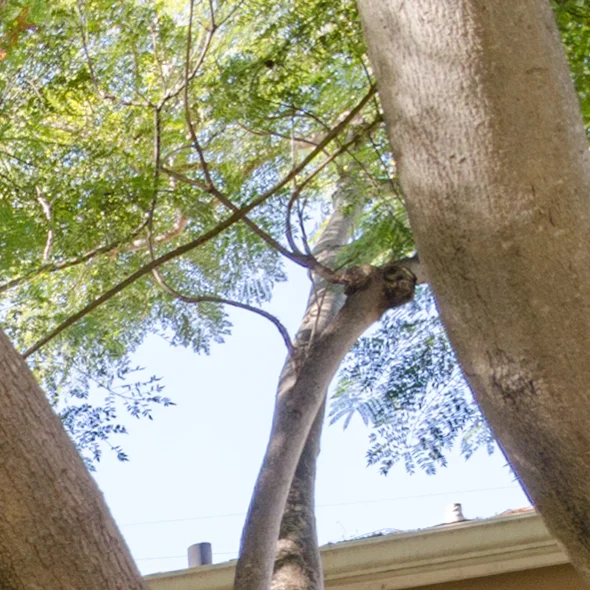
    Wasim-Muklashy-Photography_Purple-Fringing_chromatic-aberration_with-fringe-circled

    Wasim-Muklashy-Photography_Purple-Fringing_chromatic-aberration_nofringe

    My next destination was a link that leads to a Georgia State University Physics page that explained how blue light wavelengths are shorter than red light wavelengths, and since focal length depends on a phenomena called refraction, which is “the bending of a wave when it enters a medium where its speed is different,” the index for refraction blue and red lights are different.

    So now that the smart people terms are out in the open, I needed it explained in layman’s terms, so I did a bit more digging and I found this at PhotographyLife.com:
    “Chromatic Aberration, also known as ‘color fringing’ or ‘purple fringing,’ is a common optical problem that occurs when a lens is either unable to bring all wavelengths of color to the same focal plane, and/or when wavelengths of color are focused at different positions in the focal plane. Chromatic aberration is caused by lens dispersion, with different colors of light travelling at different speeds while passing through a lens. As a result, the image can look blurred or noticeable colored edges (red, green, blue, yellow, purple, magenta) can appear around objects, especially in high-contrast situations.

    A perfect lens would focus all wavelengths into a single focal point, where the best focus with the “circle of least confusion” is located.”

    Aha. And that actually helps it become a bit clearer and more approachable.

    So what it sounds like is that it happens when all of the colors of the spectrum can’t make it to their intended finish line at the time the shutter is pressed. Whether it be actual physical limitations, or limitations based in physics and the ways wavelengths move and work, the stars are just unable to align due to factors including exposure settings, positioning of the lens, and how much glass the waves have to penetrate in order to reach the sensor.

    Essentially, because of the way that light works and how each color has it’s own distinctive wavelength, in order for them to be accurately represented, they need to be in the same place at the same time, and when you’re taking a photo and each of these wavelengths of color has to travel through different, it makes it very difficult for them to reach the same point at exactly the same time. So some of them are left on the fringes. They ‘re not usually very apparent, but when you’re dealing with high-contrast edges, it’s easier to see them because of those hard edges. Almost the same way it’s easier to see the immediate difference between black and white versus a gradient that moves from black to white gradually. Imagine an image that was half black and half white, if you put a gray line separating them, it’d be extremely apparent on that hard edge. Now, imagine an image that was a gradual gradient from black to white, and you put a grey line somewhere in between, it’d be a bit harder to pick it out because it’s lost in a gradient of grey – there’s a lot of grey area in between. That’s essentially what’s happening. Some of the wavelengths are getting caught in between the point of origin and the destination – your sensor, like on the black/white card.

    Now that I have a clearer idea of what’s happening, I was curious if there was a way to avoid it, and apparently there isn’t. At the moment, science and physics trumps the human mind’s capacity to solve this one. That same PhotographyLife.com link explains that “This kind of…chromatic aberration is present even on high-end, expensive lenses like the Nikon 35mm f/1.4G.”

    Luckily for us, we do have a go around, one I’ve been using for quite some time, and one that apparently I’ll continue to have to use, at least for now. Lightroom has a chromatic aberration correction tool in the ‘Lens Correction’ tab on the ‘Develop’ pane. You click it, and then there are sliders for green and purple that you can slide to determine the color range of chromatic aberration to remove, and, wallah! It’s gone!

    In this case at least, software trumps physics…

    For more of my madness:
    Instagram: @wasimofnazareth
    Ello: @wasimofnazareth
    Google+: www.Google.com/+WasimMuklashy
  • The Proof Sheet – Photography News In Review For The Week of August 4

    The Proof Sheet – Photography News In Review For The Week of August 4

    The-Proof-Sheet_August-5
    The-Proof-Sheet_August-5

    Welcome to The Proof Sheet, where each week I’ll post some of the more notable photography news in sweet, chewy, bite-sized, easily-digestible morsels. Click the Read More for this week’s stories.

    nikon d610

    Nikon finally settles (some of) the D600 madness. In a recent settlement in favor of participants in the Zimmerman & Reed class action lawsuit against Nikon for faulty D600 sensors, Nikon will replace their D600 with a D610 free of charge. Read the full letter of the settlement at PetaPixel.

    rosetta-arrives-at-comet

    A spacecraft that was launched 10 years ago to capture a comet (yes, I’m actually saying that seriously) has, well, captured the comet! The European Space Agency’s Rosetta has successfully caught up with Comet 67P/Churyumov–Gerasimenko halfway between Jupiter and Mars, and has already sent back images. To see them, head over to the European Space Agency’s site by clicking here.

    flow-chart-image-usage

    Finally! Image usage rights for dummies all thanks to The Visual Communication Guy, Curtis Newbold. In an infographic flowchart, he explains everything from copyright to creative commons to fair use and public domain, efficiently demonstrating what’s right and what’s wrong usage of any particular image. All you have to do is answer a couple yes’s and a couple no’s to keep the lawyers from knocking on your inbox. Click HERE for the chart.

    adobe-lightroom-logo

    In addition to launching a new website dedicated to Apple Aperture users who are deciding whether to migrate to Lightroom or not in wake of Apple’s announcement that they will be discontinuing their photo editing software, Adobe has also officially released a guide explaining how to perform the migration to Lightroom. Additionally, as reported by PetaPixel, they’ve hinted at new software that will help with the migration as well.

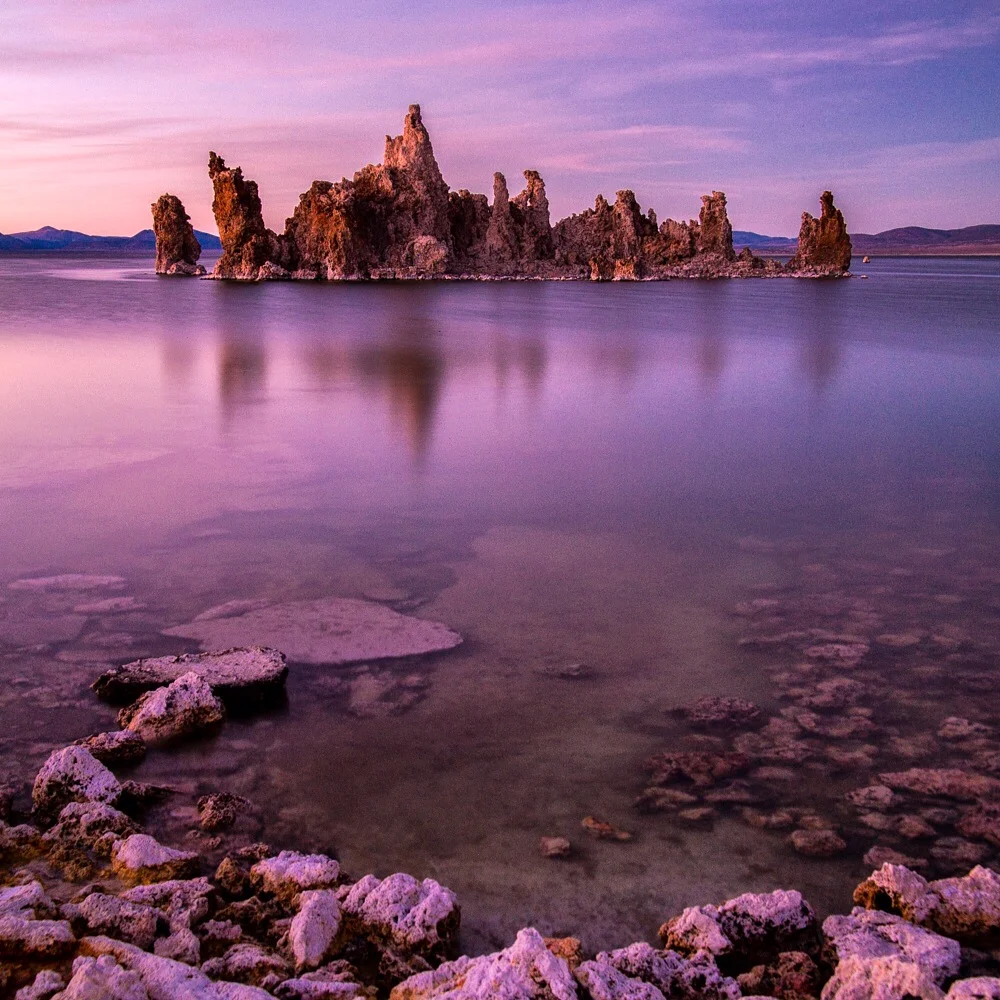
    wasim muklashy photography_mono lake_california

    Speaking of Adobe, they’ve announced a partnership deal with photo sharing site 500px, bundling together Adobe’s photographer’s package, which includes Lightroom and Photoshop, along with a 500px Awesome account for an annual fee of $165. Click here to learn more about it directly from 500px.

  • How And Why I Finally Made The Switch To The Adobe Creative Cloud

    How And Why I Finally Made The Switch To The Adobe Creative Cloud

    Wasim Muklashy Photography_Wasim of Nazareth_Adobe Creative Cloud_Lightroom Mobile

    So I fought it for a year. And I fought it hard. I didn’t want to rent it. I wanted to rightfully own it. The way I have for years. The way we all have for years. Why should I have to ‘rent’ the software I need for my work? Why can’t I buy it anymore? It made no sense. And it didn’t seem right. And it didn’t seem fair. So there was only one thing left to do. Rent the software.
    Yeah, that’s right, I did it. I made the switch to the Adobe Creative Cloud. And here’s why it finally just had to happen.

    A big part of my decision was Adobe’s recent commitment to photographers to keep the price at 9.99/month for the two tools that photographers need most, Photoshop and Lightroom. Which, once you crunch the numbers, one you sit down, and really crunch the numbers, you realize that at 120 dollars a year, it would still take about 5 years to cover roughly what a full version of Photoshop used to cost for purchase. Considering the fact that a new version normally came out every 2-3 years, in essence, and in the long run, you’re actually saving money.

    On top of that, getting the updates for free on the fly is quite the welcomed gotcha! Well, sort of. While you lose some of the big-box anticipation of all these new features at once, which was always a fun reveal and sense of discovery, the way it is now actually allows you time to adapt and use and test and play without being overwhelmed by new features all at once. By easing you into the usage of these new features, you are able to actually focus on them rather than try to fish through an onslaught of madness, only to forget half of them existed 2 weeks later. Basically, I’ve begun to get even more use out of each new set of features that has been released since subscribing to the Creative Cloud 2 months ago.

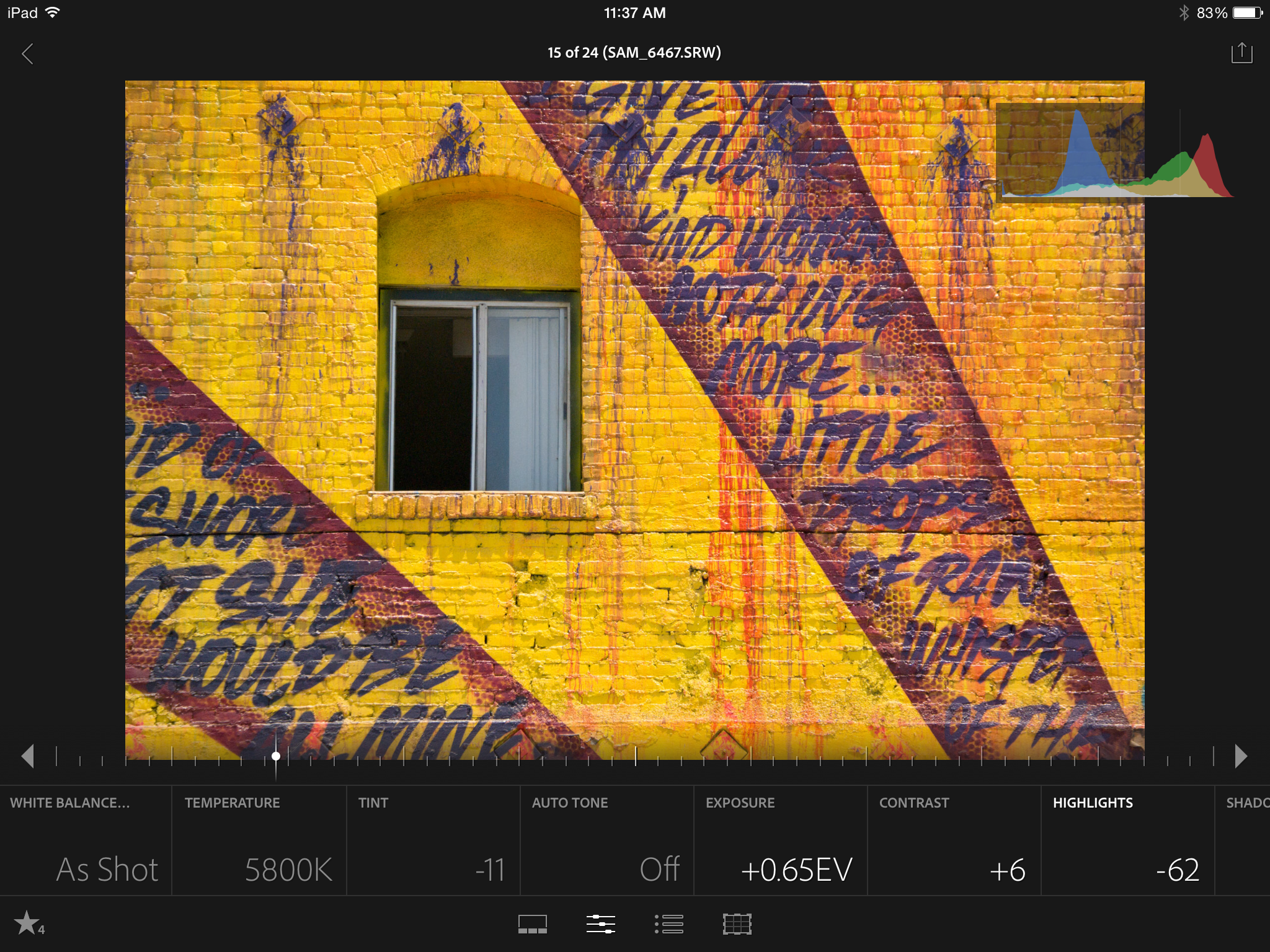
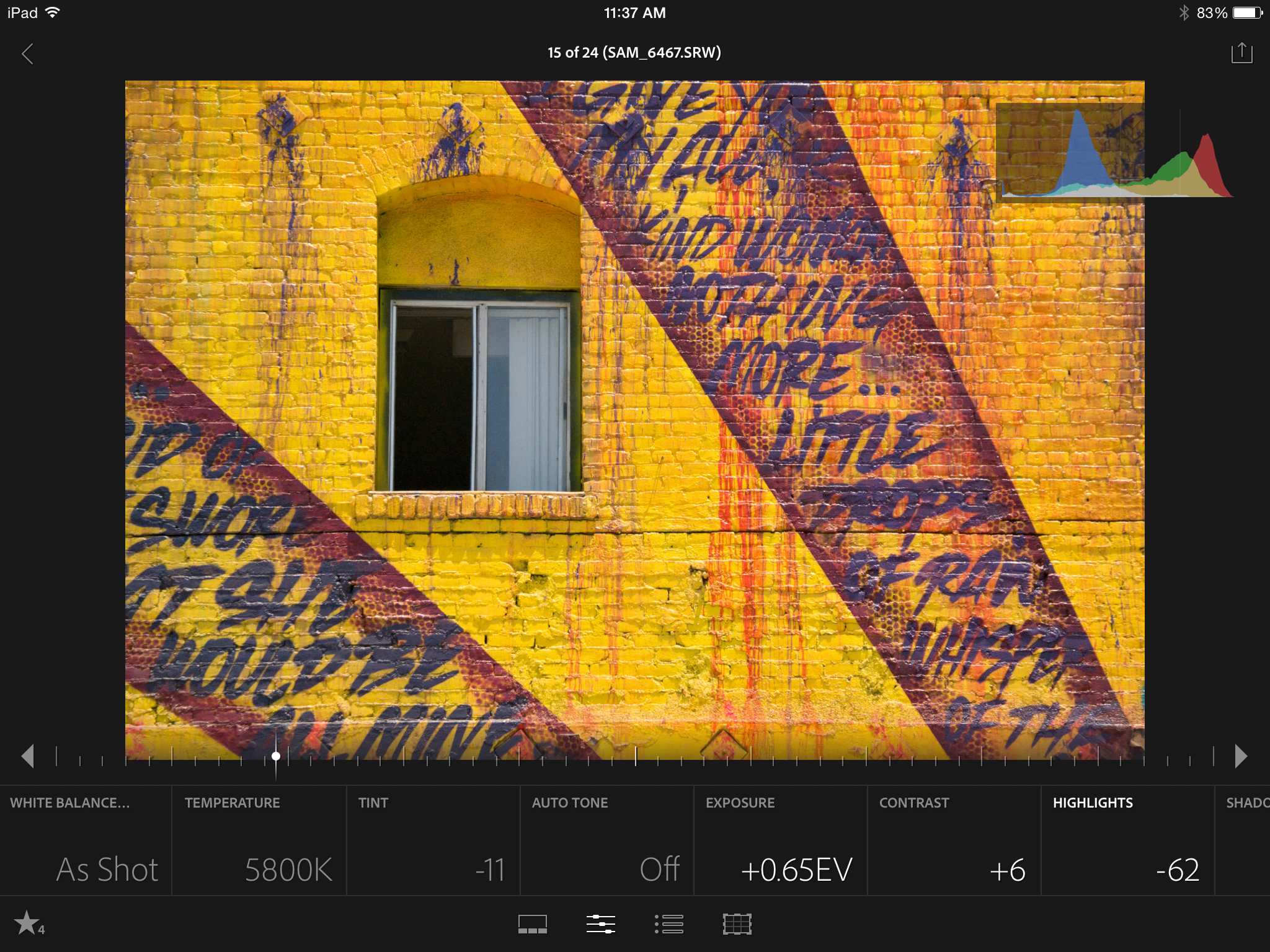
    So I’m 2 months in, and once I got over the whole ’subscription’ thing, the process has actually made my workflow easier, and that’s due in large part to the feature set that they offer in the Creative Cloud, most notably, the syncing with the new Lightroom mobile. This workflow, Lightroom mobile, on an iPad mini? It’s simply divine. Instead of laying on the couch feeling lazy and proscrastinaty, now I’m actually getting work done. I’m able to star, flag, and pre-edit my images, and when I do finally decide to act like a ’true professional’ and get up off the couch, and walk to the computer, or head into to the office or studio the next day, what a treat to see that all the edits have automatically synced with Lightroom on the desktop…I mean…c’mon! That alone might be worth the 10 bucks a month.

    So yes, needless to say, so far, I’m happy I made the switch. Adapt or die right? I’ve still got some gotcha in me hot damnit!

    Anyhow, click here to get in on the action!

    For more of my madness:
    Instagram: @wasimofnazareth
    Twitter: @wasimofnazareth
    Google+: www.Google.com/+WasimMuklashy
    Facebook: www.Facebook.com/WasimOfNazareth

  • The Proof Sheet – Photography News In Review For The Week of July 14

    The Proof Sheet – Photography News In Review For The Week of July 14

    Wasim Muklashy Photography_The Contact Sheet_Photography News

    Welcome to The Proof Sheet, where each week I’ll post some of the more notable photography news in sweet, chewy, bite-sized, easily-digestible morsels. Click the Read More for this week’s stories.

    Photoshop World

    Photoshop World-A-Thon : So many of us can’t make it out to Photoshop World, so what’s the next best thing to attending the real thing? Attending Photoshop World-A-Thon. A full night of tips and tricks taught and demonstrated by Photoshop World veterans including Scott Kelby, all from the comfort of your own home. The free webinar comes with a free virtual swag bag and it all happens on July 24 at 7pm ET. CLICK HERE to register.

    aperture_lightroom_migration

    Aperture To Lightroom Migration Tool Now Available – While there hasn’t been an official release from either Apple or Adobe, there is a beta version of a new tool to help you begin your migration from Aperture to Lightroom in the wake of Apple’s announcement to stop developing Aperture. The tool is called Aperture Exporter and if you want it, CLICK HERE to visit the official site and download link.

    MIT Journalism

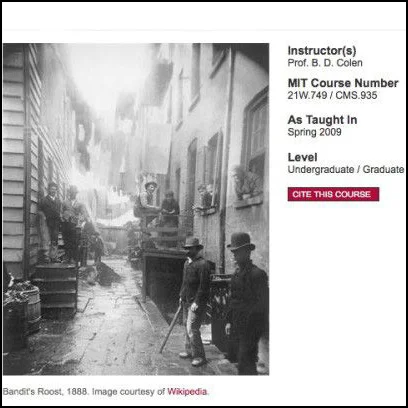
    Last week we talked about BBC opening up it’s journalism training courses to the public. This week it’s the Massachuessetes Institute of Technology. Through their Open Courseware project, MIT just gave us “Documentary Photography and Photojournalism: Still Images of a World in Motion,” a course actually offered at the iconic university. The free offerings include everything from the official syllabus to assignments and other course materials. CLICK HERE to go to class.

    blackmagic pocket cinema camera

    Blackmagic Design have cut the price of their popular Pocket Cinema Camera by HALF! As if the $1000 prices tag wasn’t low enough for a professional level cinema camera that can shoot 1080 footage in RAW ProRes format with 13 stops of dynamic range, they’ve gone lost their minds and decided to make it available for $495 from now through the month of August. Git it! CLICK HERE for more info.

    Best of the Blogs

    Photographer John Rowe, along with Ethiopian Kara tribesman Lale Labuko have teamed up to help stop the practice of Mingi, an age old tradition of labeling certain children, mostly born with physical abnormalities, as ‘cursed.’ These children have traditionally been taken away and killed. Thanks to Labuko and Rowe’s Omo Child Organization, they have helped bring an end to the practice. CLICK HERE to read more about it. (source NBC)

    A first-aid trained journalist from Norway stopped in midst broadcast when a bomb exploded in proximity to where he was reporting from in Gaza. He rushed to the scene where he aided an injured child, before taking a moment to gather himself and resume his job by photographing the incident and the child. For the story and the video, CLICK HERE. (source Petapixel)

  • Late Night Fun With Photo Filters…and Scotch.

    Late Night Fun With Photo Filters…and Scotch.

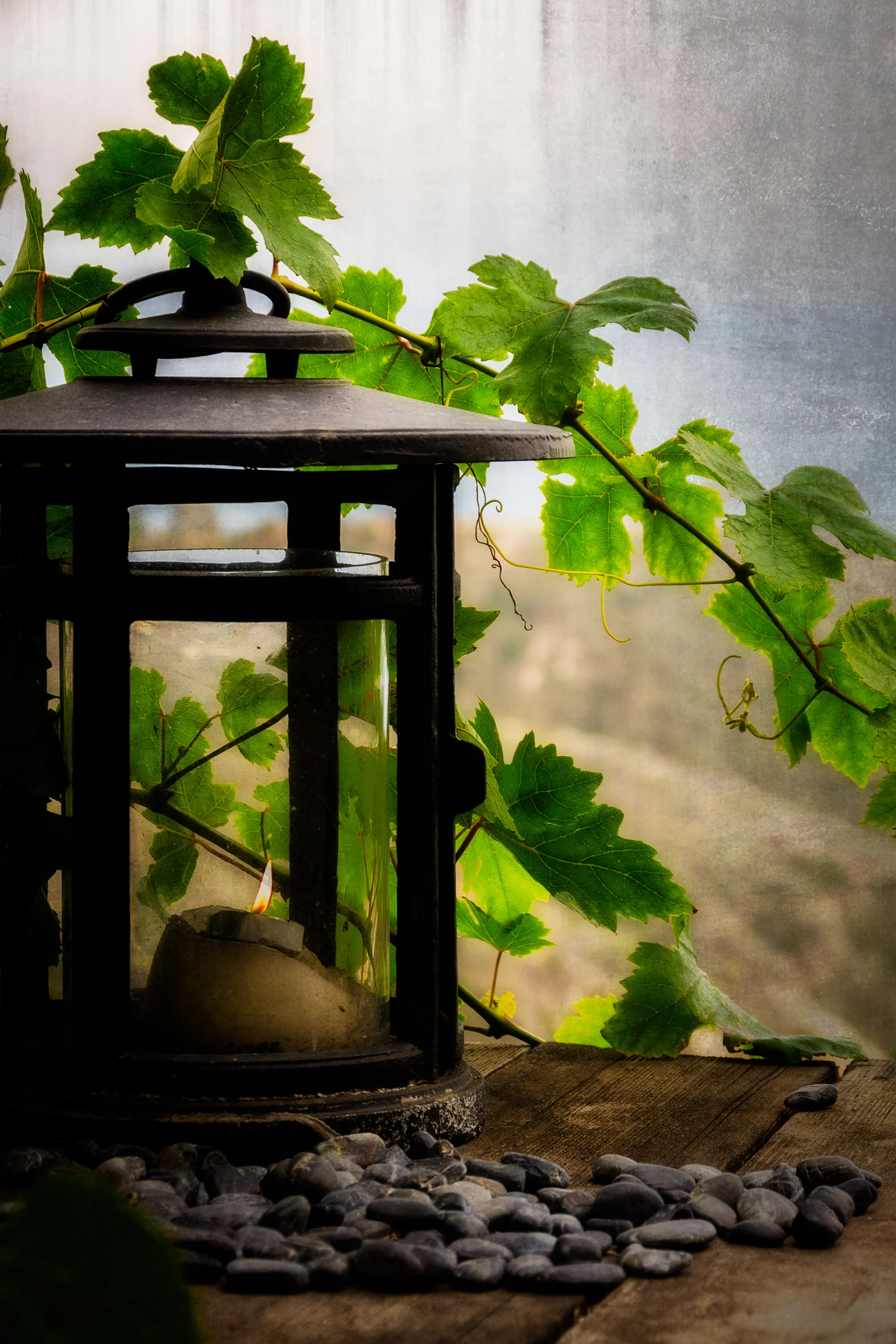
    1wm5837 funwitheffects 2400sfwSo had a house I had to shoot this week for Airbnb. It was actually the second of two units on a property I shot before, but I hadn’t seen the second unit as it was occupied that first time. Anyway, not important…so after I was done shooting the interior, I figured, no one was here, I was going to take advantage of the moment and just kind of chill for a minute. When you’re standing on a deck with nothing in front of you but a gorgeous canyon that opens up to the Pacific Ocean (see image at bottom of this post), it’s hard not to force yourself to take a break and soak it in. So as I sat down and took a few gulps of my warm ice tea that had been sitting the car since I showed up, I saw this ridiculously quaint and charming little candle holder with a pile of little rocks alongside it, being draped PERFECTLY by a grapevine. And when I mean, perfectly, it’s as if it was staged. For some reason, my imagination took me to the Mediterranean coast, perhaps Spain, maybe Italy, I don’t know, but my wanderlust got the best of me and I started snapping a few shots of it as if I was actually on that coast. (more…)