Tag: apple

  • A Slice Of Sri Lanka For Your Mobile Phone

    A Slice Of Sri Lanka For Your Mobile Phone

    Image asset

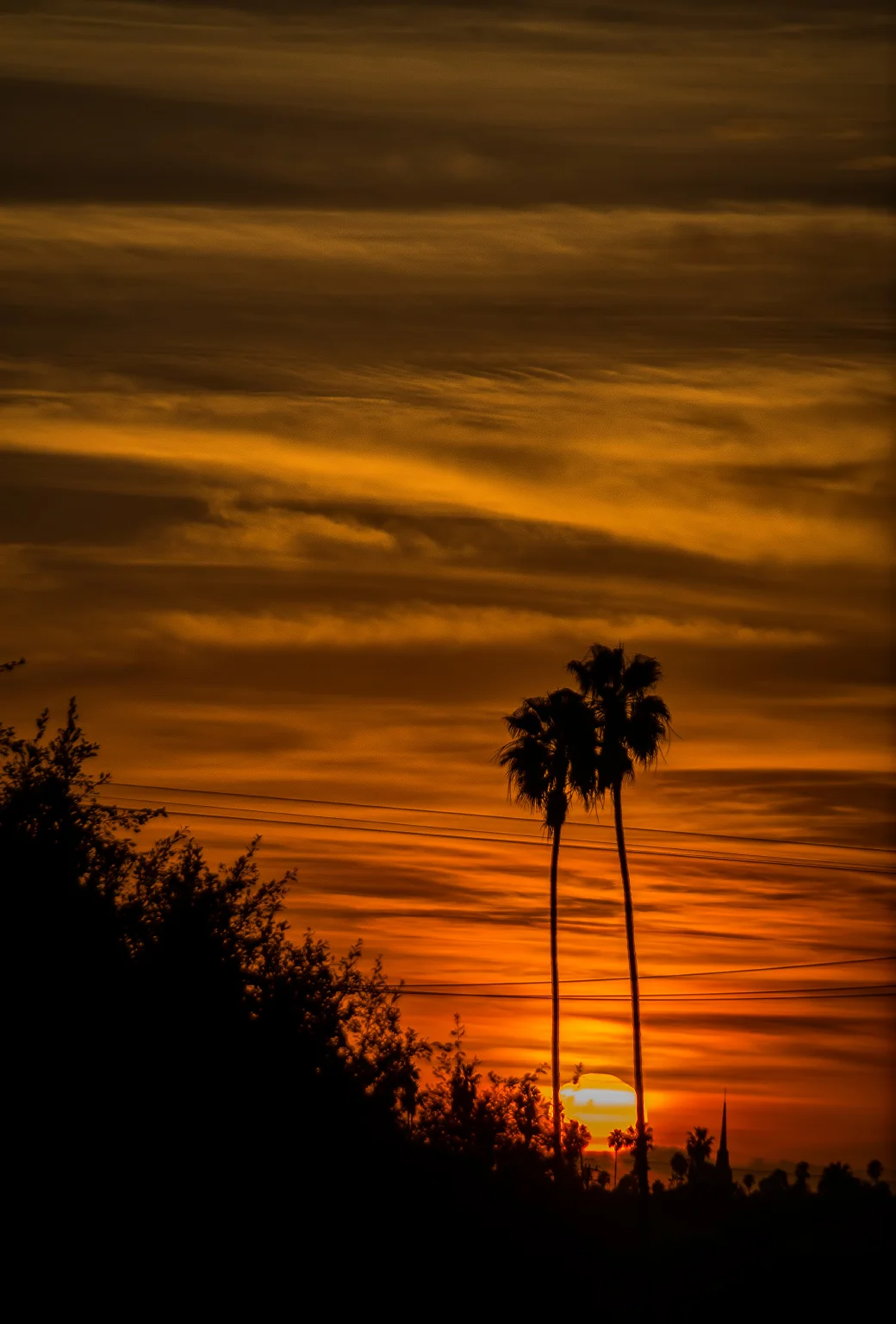
    So I just threw one of the images I made in Sri Lanka on my mobile phone as the background. Kinda dug it. Figured I’d share it. If you want the thing, click here to download a high resolution 2400-pixel version that should fit any phone or tablet you so feel fit.
    This was shot on a Samsung NX1 as the sun was setting behind the Temple of the Tooth in Kandy, Sri Lanka last month. The temple houses the relic of the tooth of Buddha. “Since ancient times, the relic has played an important role in local politics because it is believed that whoever holds the relic holds the governance of the country. Kandy was the last capital of the Sri Lankan kings and is a UNESCOworld heritage site mainly due to the temple.” [via Wikipedia]

    If you missed yesterday’s post, I began with the back story of how and why I found myself in Sri Lanka. Here’s the link:

    3 Weeks In Sri Lanka – Part 1: The Most Meaningful Work I’ve Ever Done.

    And for more stuffymajigathings:
    Instagram: @wasimofnazareth
    Ello: @wasimofnazareth
    Google+: +WasimMuklashy

  • Ten Fail Proof Gifts For Photographers In Your Circles

    Ten Fail Proof Gifts For Photographers In Your Circles

    Wasim Muklashy Photography_Samsung NX3000_Los Angeles_California_Gifts For Photographers

    Whether we’re ready to admit it or not, the holidays are upon us. I tried as long as I could to ignore the names of the months passing by on the calendar, but, well, once Daylight Savings Time hit, denial turned to grief turned to acceptance turned to ‘ok, fine, let’s do this thing!’ Anyhow, chances are there’s a photographer in your family or group of friends that you’ll have to shop for, and while we’re certainly a famously finicky bunch, I guarantee you, there’s still something that photographer “needs.” So here’s a list of things that will help turn that psychosis-inducing task of figuring it out into the easiest checkmark on your shopping list. Here are 10 fail-proof gifts for photographers in your circles.

    1. GIFT CARD!!! While so many might say this is the lazy, impersonal way to go, trust me, this is the number one gift any photographer will want. While we’re an extremely picky species, there is always something that we want. And that’s not limited to photography gear…we need hard drives, memory cards, batteries, light modifiers, sand bags, cables, a myriad of stuff, so a gift card to an outlet that sells everything from electronic to photography gear is an insanely valuable asset. You can’t go wrong with Amazon, B&H Photo, or Adorama.
    Wasim Muklashy Photography_Miles_Airport_Gifts For Photographers

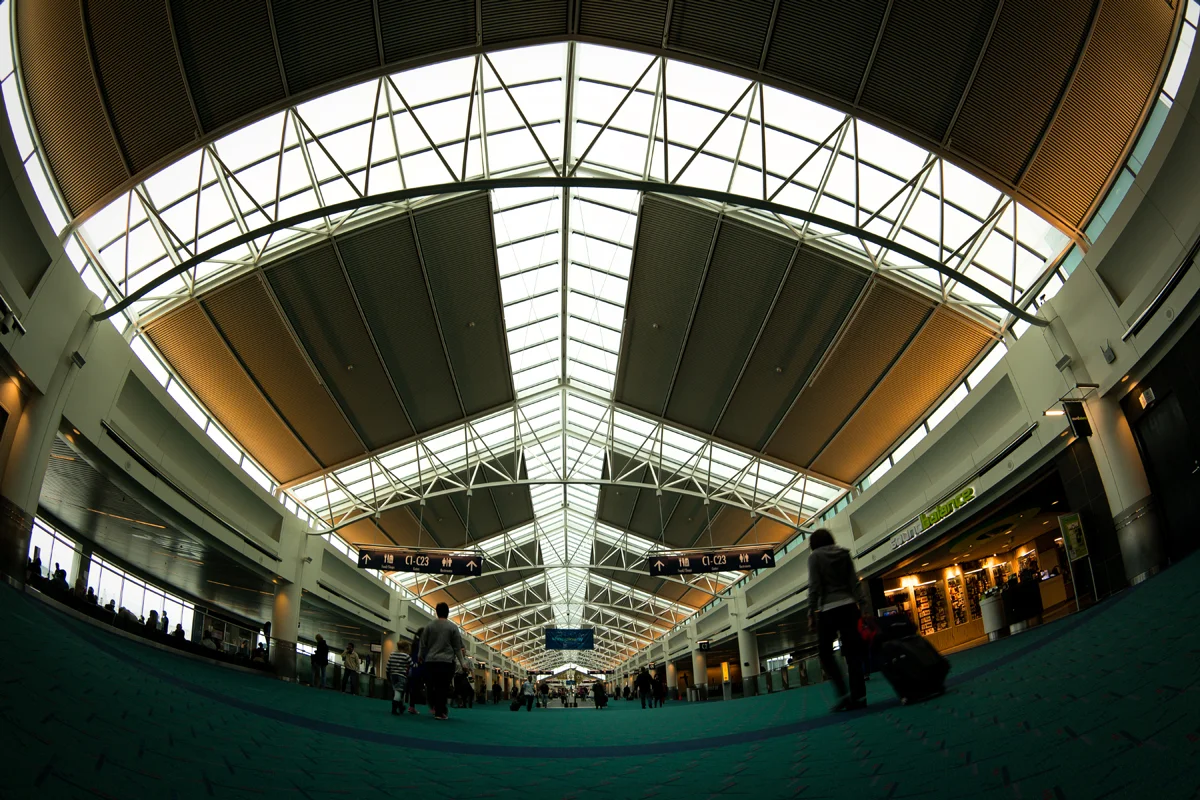
    2. Airline Miles – Just about every photographer dreams to have fresh new exciting unfamiliar things and places to photograph, and every one of those photographers has a destination (or two, or three, or fifty) that they dream to visit, but just about every one of those photographers frets over the price of that plane ticket to get there. Miles are a HUGE help. Whether you have enough to hand over enough for a full flight, or a few thousand that can help alleviate part of the financial burden, miles are a gift that will never be unappreciated by the photographer in the family.

    3. iPad Mini – This is quickly becoming a must-have item for photographers, especially those that work in the field. From the tethering capabilities to just about every camera to the increased focus by major image software companies like Adobe, an iPad mini is something that will definitely get used. And if you’ve got the budget, AppleCare would help. Just sayin’.

    Craft and Vision

    4. Craft & Vision Gift Certificate – Guaranteed there will be at least 2 books that come out this year that the photographer in your family will want. And as they’re all written by respected photographers in the industry, they will be coveted. David duChemin’s Craft & Vision almost has a lock on the best photography books in the publishing world. Best of all, most of them are less than 10 bucks, so 20 bucks will go a long way. 50 bucks? Fuggedabbadit!
    kelbyone

    5. KelbyOne Gift Certificate – Scott Kelby and KelbyOne are perhaps the go-to in photography training, seminars, and workshops. The Photoshop master has built quite the machine, offering everything from video tutorials from the industry’s biggest draws, to live seminars and conferences taught by everyone from himself to National Geographic superstar Joe McNally. If you don’t know Joe, trust me, the photographer you’re aiming for does. I would recommend getting a membership, but there’s a good chance the photographer you’re shopping for already has one, but a gift certificate can be used for the seminars or workshops or various products as well. Can’t go wrong with this one.

    6. BorrowLenses.com Gift CertificateBorrowLenses.com is awesome! Every photographer you’ve ever known and will know, will spend hours, days, weeks, months, researching gear, lenses, camera bags, bodies, you name it, before they finally make their decision. A lot of times, the only way to know, is to touch, feel, use, and marinate with a piece of gear, and BorrowLenses.com makes that incredibly affordable and awesome. You can rent, Netflix-style, everything from camera bodies, lenses, and even lighting gear, so you can test it out before you buy. You’d be helping make the photographer’s research a hands-on experience. They’ll never forget that!
    Adobe Creative Cloud

    7. Adobe Creative Cloud Subscription Because we hated the fact that we had to pay for a subscription to use the software that is our bread & butter, that charge on our credit card still irks us each month, and by paying for it for a year for us, it’ll help us forget it for that much longer. Ah…the good ol’ days…
    leatherman-mut-multitool-9289

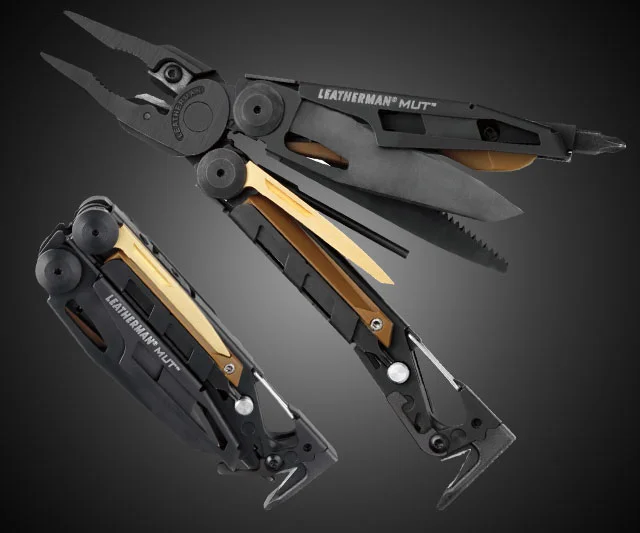
    8. Leatherman – Because we love cool things and Leathermans are cool things! And we can have a hundred Leathermans and love each one of them. Like children. Sort of. Not really. But you know what I mean.

    9. Swatchmate – Ok, this is pretty sweet stuff. This might apply more to digital artists than to strictly photographers, but, well, the line does seem to be blurring, so here’s one for color freaks. This device allows you to capture ANY color anywhere you are from any surface of anything at all and be able to save it as a swatch to use later. It can even save it directly to Photoshop for you.

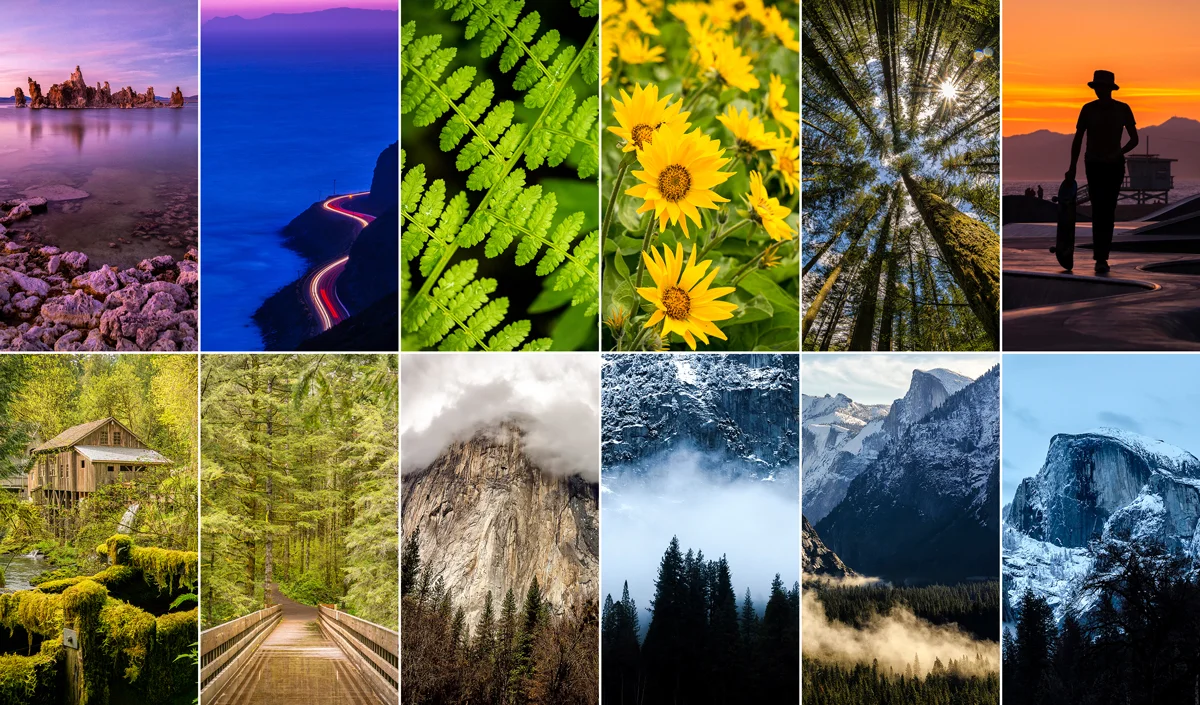
    10. Their own Prints – Not for them, but for other people. There is NOTHING that tickle’s a photographer’s fancy more than that notification on their phone that they sold a print. And if you buy several after another for different people, that means more notifications. That means more love.
    Wasim-Muklashy-Photography_Gifts For Photographers_Prints

    11. (BONUS). My Prints. Because, well, they’re awesome! But you didn’t hear it from me. Well, yes you did, but, no you didn’t. Anyhow…do it! Buy. Crated or FineArtAmerica.

    Additionally, if you’ve got a budding photographer in the family, and you’re looking to get them their first camera or upgrade their shooting experience, here are the 6 Best Cameras For Budding Photographers.

    And please remember, if you use Amazon, use this link or the one right there in the right column on this site. There’s no difference to you at all, but by using this affiliate link, I get a bit of a kickback from Amazon which helps me cover the costs of running and maintaining this site and creating content like this that is hopefully of some value to you.

    For more of the photography psychotica, pick your poison:
    Instagram: @wasimofnazareth
    Ello: @wasimofnazareth
    Google+: www.Google.com/+WasimMuklashy

  • What Apple iOS 8 Manual Camera Controls Means For The Masses

    What Apple iOS 8 Manual Camera Controls Means For The Masses

    iphone-ios8-manual-camera-controls-api

    So as we already know, Apple has opened up it’s manual camera controls for developers and users in it’s new iOS 8. What this means for pro photographers is that they can finally take charge of their images similar to the way that they’re used to with their professional gear. What this means for amateur photographers and those who use their iPhone to snap their lives’ memories, is that they’re going to be insanely confused at first and wonder what the hell it all means and why can’t they just point and click like they were used to. But then, as they start to play with it all, they’ll realize they’re getting better images, and start to wonder why. So, to minimize that time between ‘wtf’ and ‘oh wow,’ here is a quick breakdown of the Apple iOS 8 manual camera controls that developers will have access to – what it all means and what it all does:

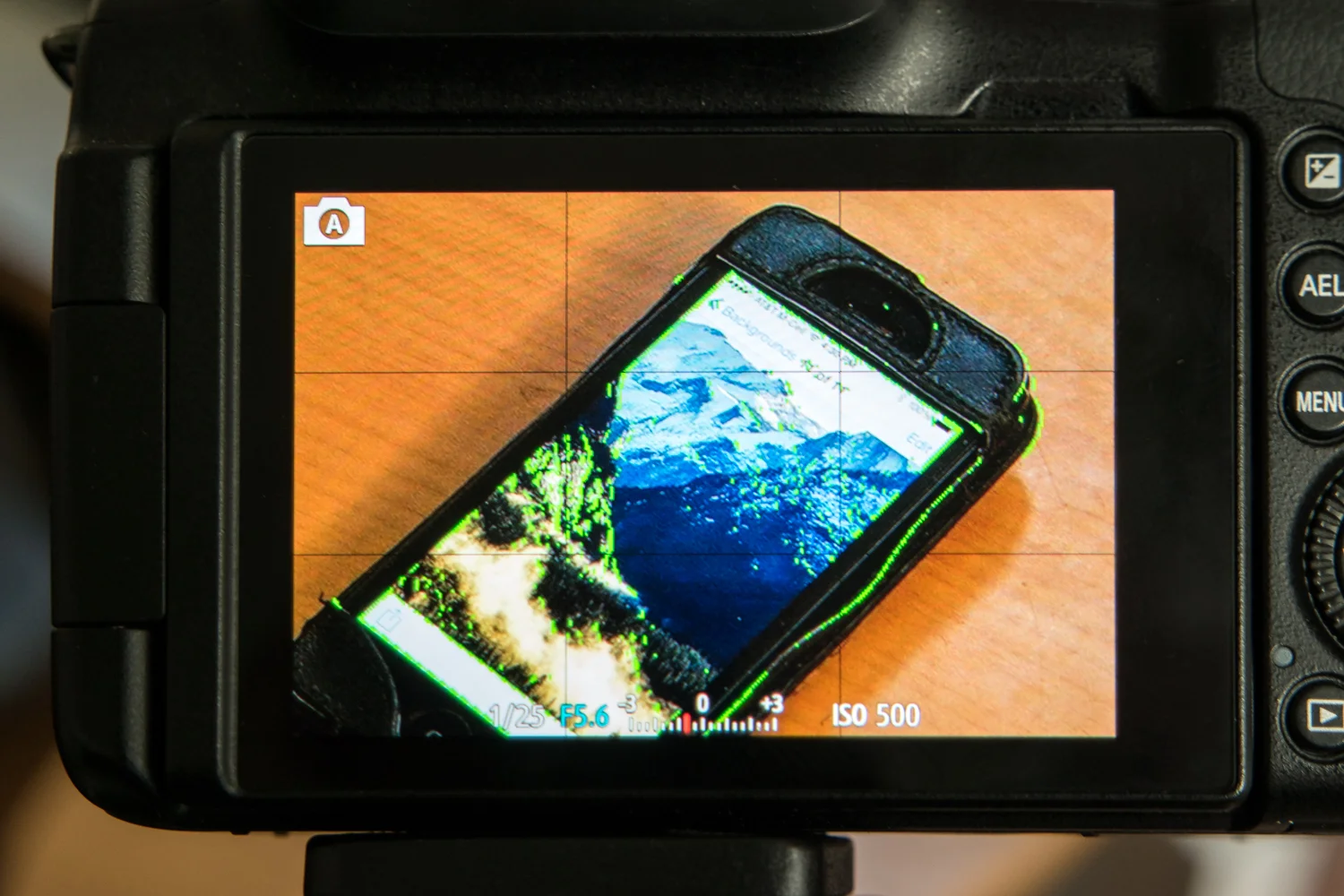
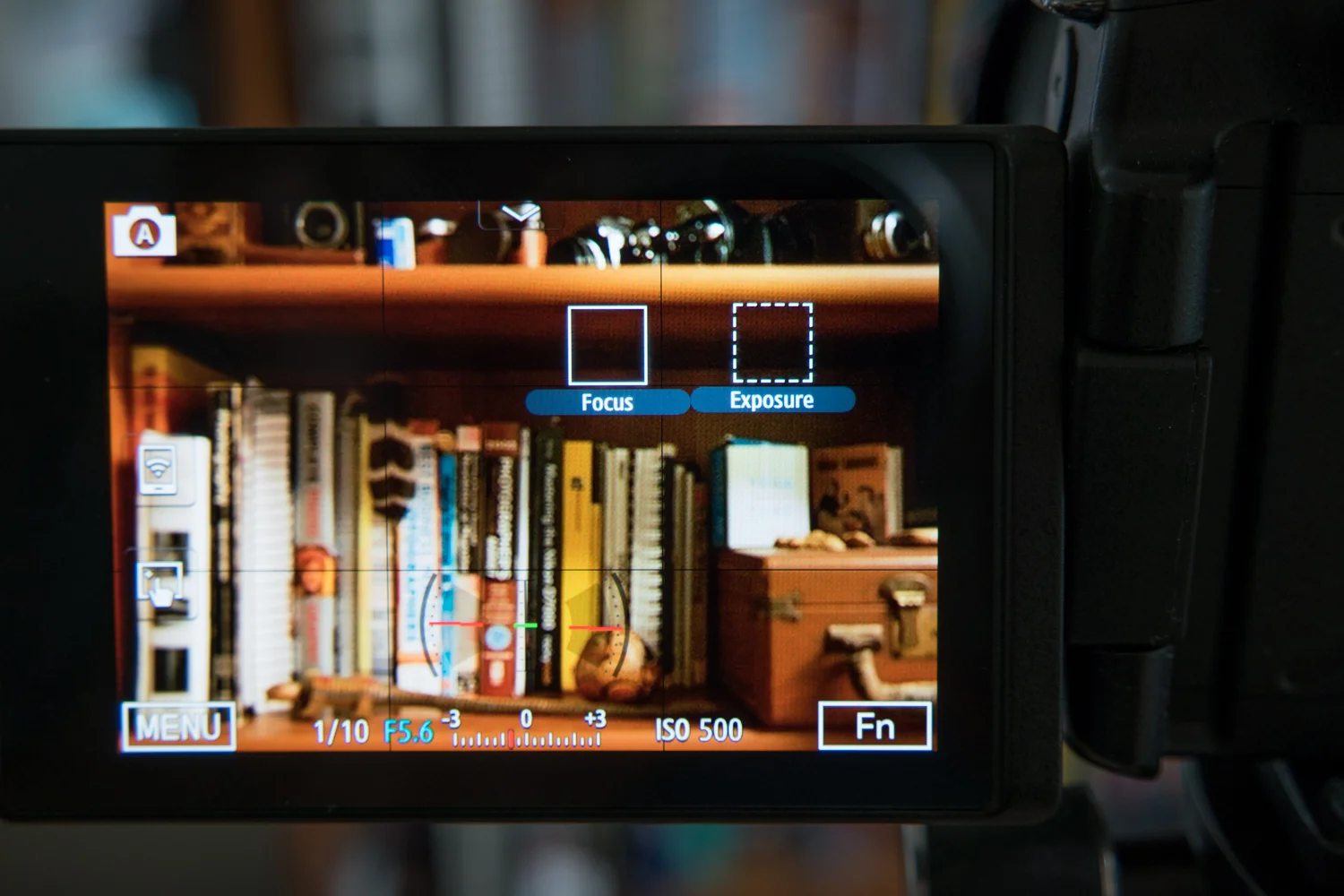
    Manual Focus – As anyone that has used one knows, iPhones already provide a great and mostly accurate focusing system. Chances are, your shot will focus where you want it to and it’ll look great. But sometimes, having that extra control over focus is what can add that extra punch to an image. For example, if you want to have the entire photo blurry for artsy purposes, you’ll need manual focus. If you want to focus on a detail that’s too small for the camera to pick up on, you’ll need manual focus. Apple finally provides that control with iOS 8. The fact that focus peaking is part of it is a HUGE plus. Basically, the screen will show colored pixels on the part that is in focus so you know you’re getting exactly what you want in focus.

    Wasim Muklashy Photography_Focus Peaking Sample_iOS 8_-SAM_0980

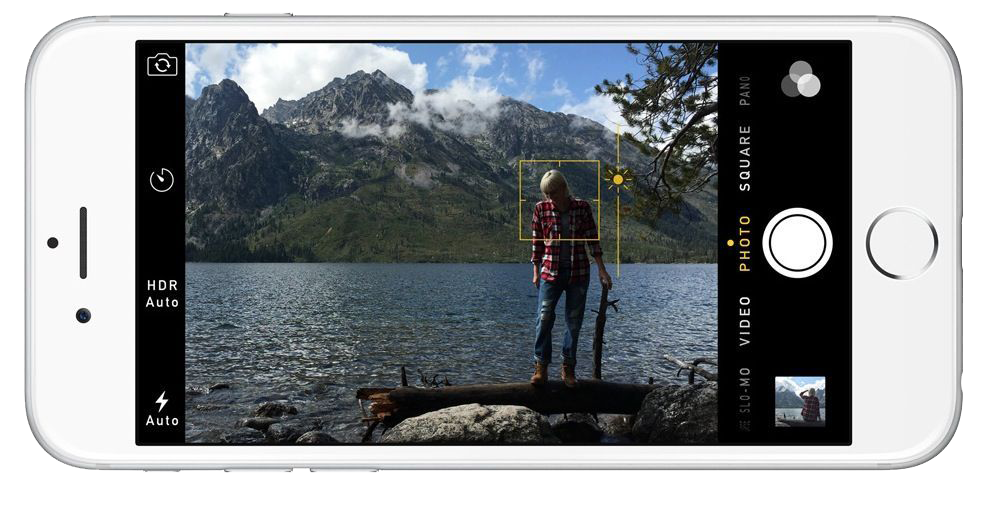
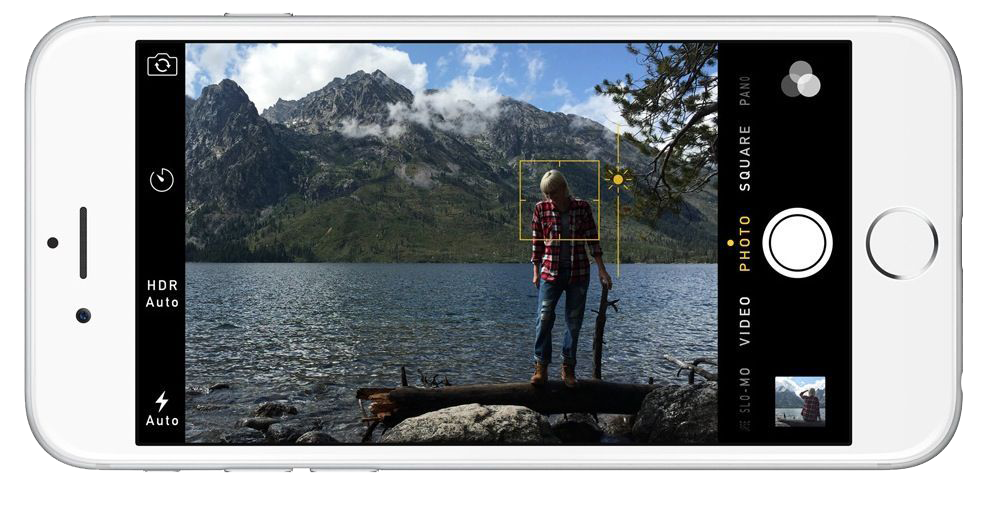
    Manual Exposure –  So as you compose your shot, you can now manually expose by sliding your finger up or down to increase or decrease exposure/brightness. Again, the camera does a great job already, but sometimes you want things brighter or darker, or you want to expose for a certain part of the scene while focusing on another. With iOS 8, you now have that control as well, putting you in charge of exactly what your image will look like, not what Apple thinks your image should look like.

    Wasim Muklashy Photography_Focus Exposure Sample_iPhone 6_iOS 8

    Exposure Compensation – Most professional photographers live by Exposure Compensation. It’s why that little button lies so close to the top of the camera body for easy access on just about every single SLR or DSLR model available. Basically, instead of having to get too deep in the manual settings, if you need the scene just a bit brighter or darker, you can use exposure compensation to slightly make up for how you’d like the image to turn out by nudging it brighter or darker. It’s measured in ‘f-stops’, so basically, if you go up +1, it’ll double the brightness, if you go -1, it’ll halve the brightness.

    ISO – This stands for International Standards Organization. You don’t need to know that. All you need to know is that when you increase the ISO, it increases the light sensitivity on the sensor, meaning, the higher the ISO number, the more light will be exposed to the sensor. Essentially, you can take pictures in lower light using a higher ISO. This also means that the shutter will fire faster, meaning, less time for a moving subject to be blurry, increasing the chance of capturing a sharp image. The trade-off is that, the higher the ISO, the more noise will show up in your images, basically, making them more grainy. However, by having this control manually, you’ll get the option to choose whether or not getting that shot in the bar is truly worth a bit of grain, versus not getting that shot at all.

    Shutter Speed – Plainly put, shutter speed is exactly that…how fast the shutter fires, or, how much time it stays open to let light onto the sensor (take a picture). Some of those applications could range from long-shutter exposures to get that milky water or car-light-stream effects. Up until now, you had to rely on the camera deciding what is the best shutter speed to get a proper exposure for the image you’re capturing, allowing little to creativity and experimentation with slow or fast shutter speeds. With Apple extending the API to include control over shutter speed, third party apps will have an easier task in allowing you to control this critical element of a photographic exposure. Provided you have a tripod, or some method to stabilize the iPhone (since anything slower that 1/60 of a second shutter speed will likely introduce some blur if handheld), you’ll soon be able to get those milky water and car streamy lighty shots on your phone.

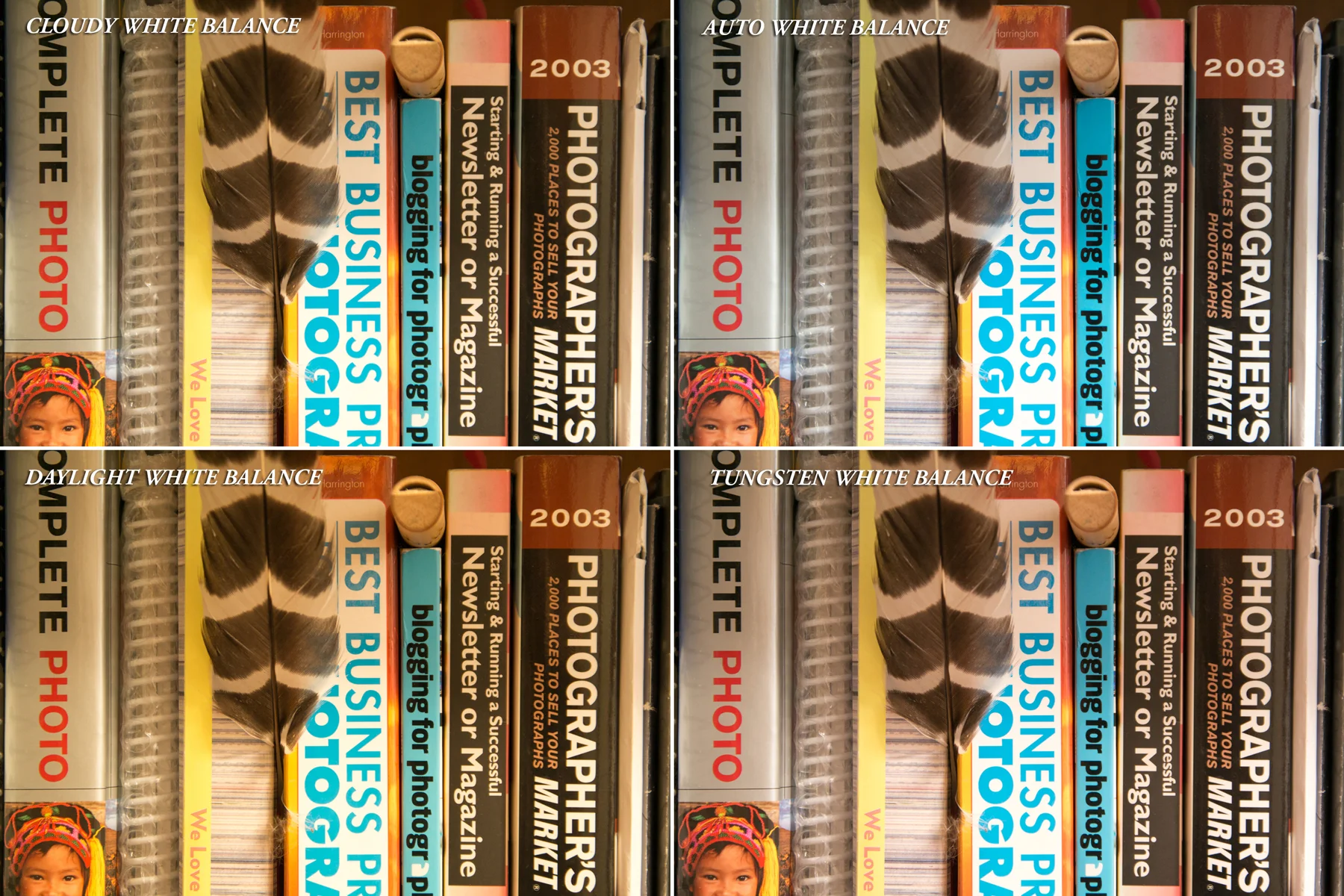
    White Balance – Professional photographers have been fussing over white balance for as long as photography has existed. And now, iOS 8 users who aren’t familiar with the professional world, will find out why for themselves. While cameras have been becoming increasingly better at determining what true white point in an image is in order to give proper color to the rest of the image, they’re still not perfect. And with manual control over white balance, you can determine what sort of setting you’re shooting in, and modify and adjust white balance to make sure the whites are white and the other colors in the image follow suit.

    Wasim-Muklashy-Photography_White-Balance-Sample_iPhone 6_iOS-8

    The best part of all this is that Apple has left the camera open to 3rd party developers as well, so we’re going to start seeing some features that have existed in high-end DSLRs and mirror less cameras, show up on our iPhones. As a matter of fact, as of the writing of this post, ProCam has become the first app to already release a version, ProCam 2, taking advantage of much of these features.

    And to find out why all this matters, check out my take on Why Apple iOS 8 Will Create Better Photographers.

    For more of my madness: Instagram: @wasimofnazareth Twitter: @wasimofnazareth Google+: www.Google.com/+WasimMuklashy Facebook: www.Facebook.com/WasimOfNazareth
  • A Collection Of iPhone 6 And iPhone 6 Plus Background Wallpapers

    A Collection Of iPhone 6 And iPhone 6 Plus Background Wallpapers

    Wasim-Muklashy-Photography_iPhone-6-Background-Wallpaper

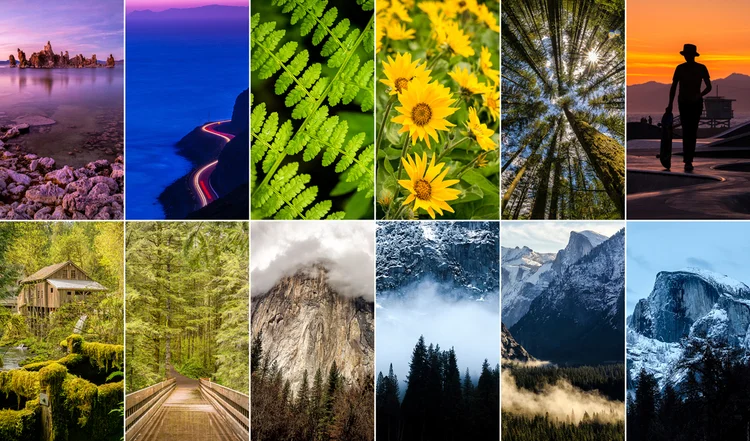
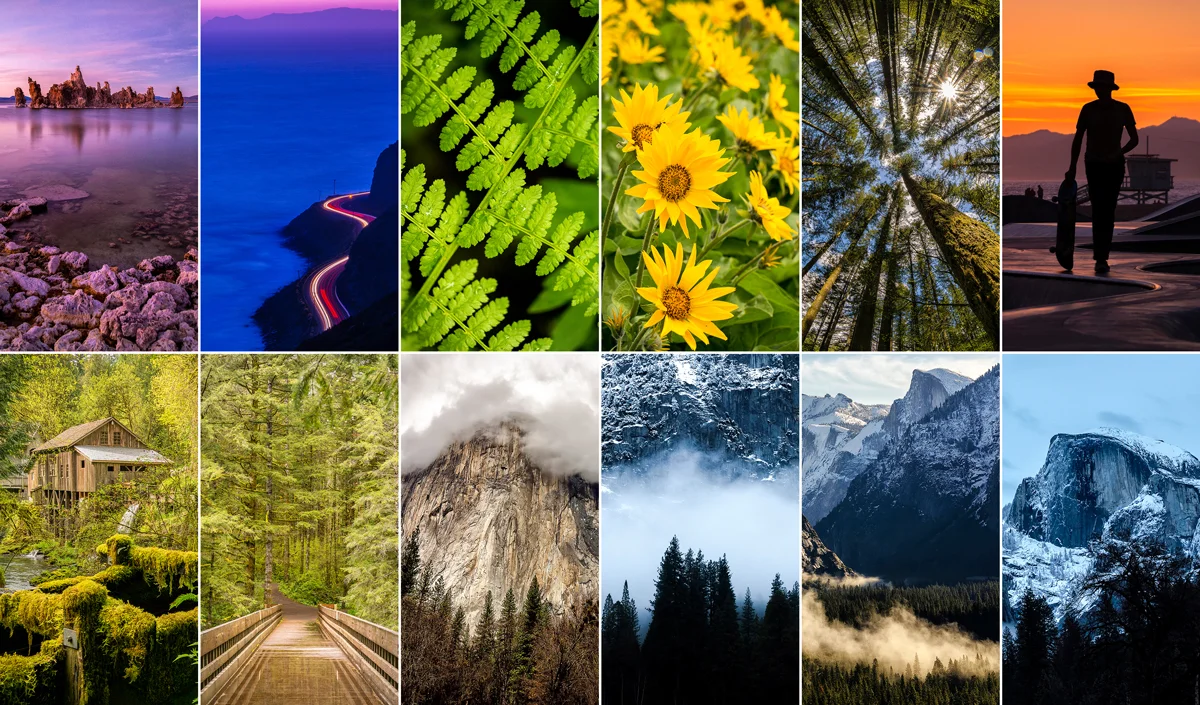
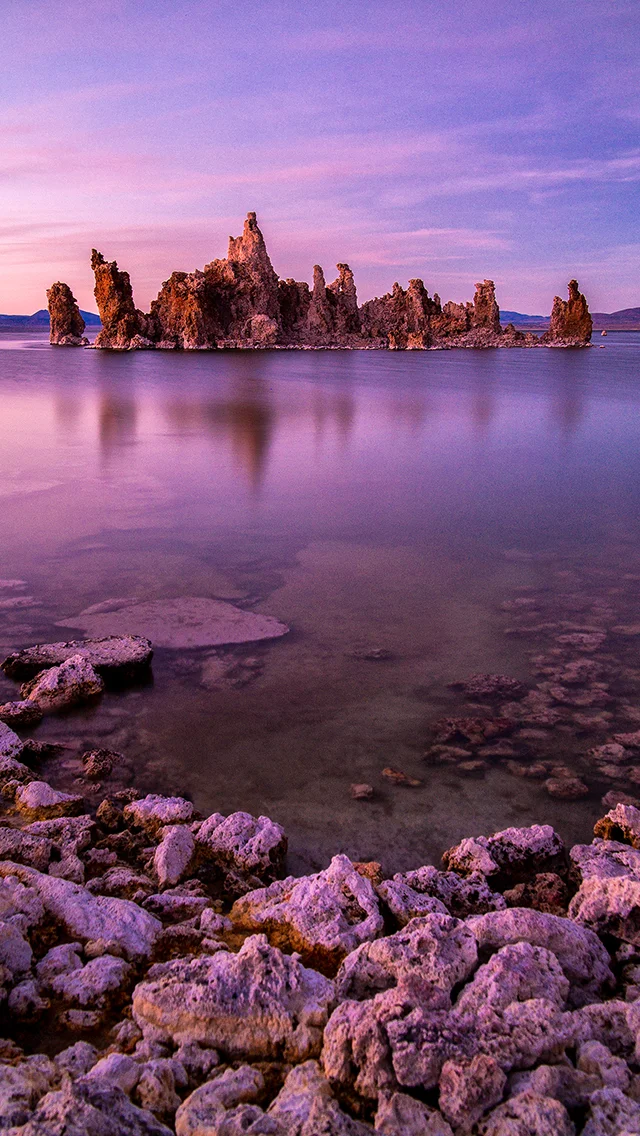
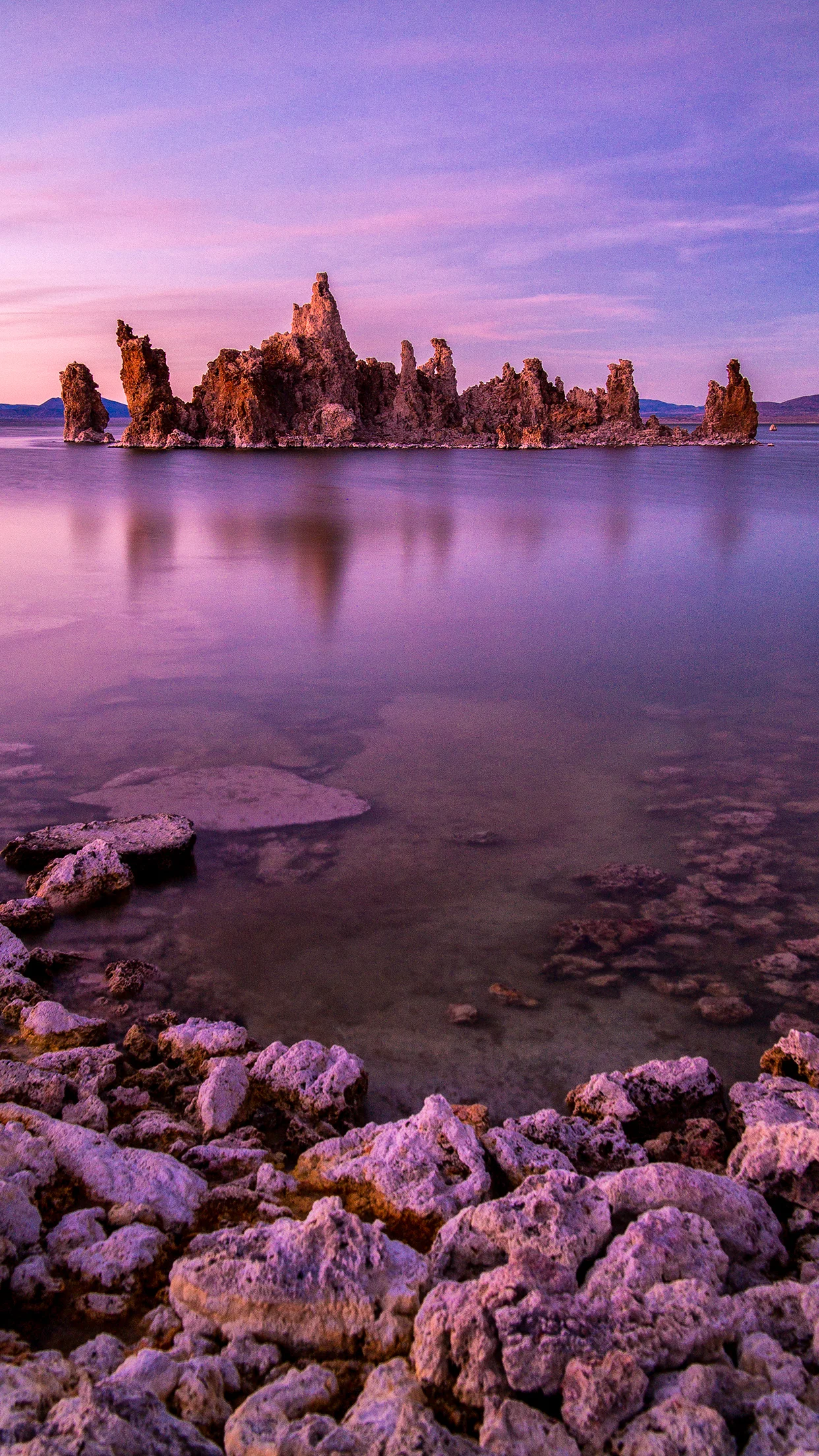
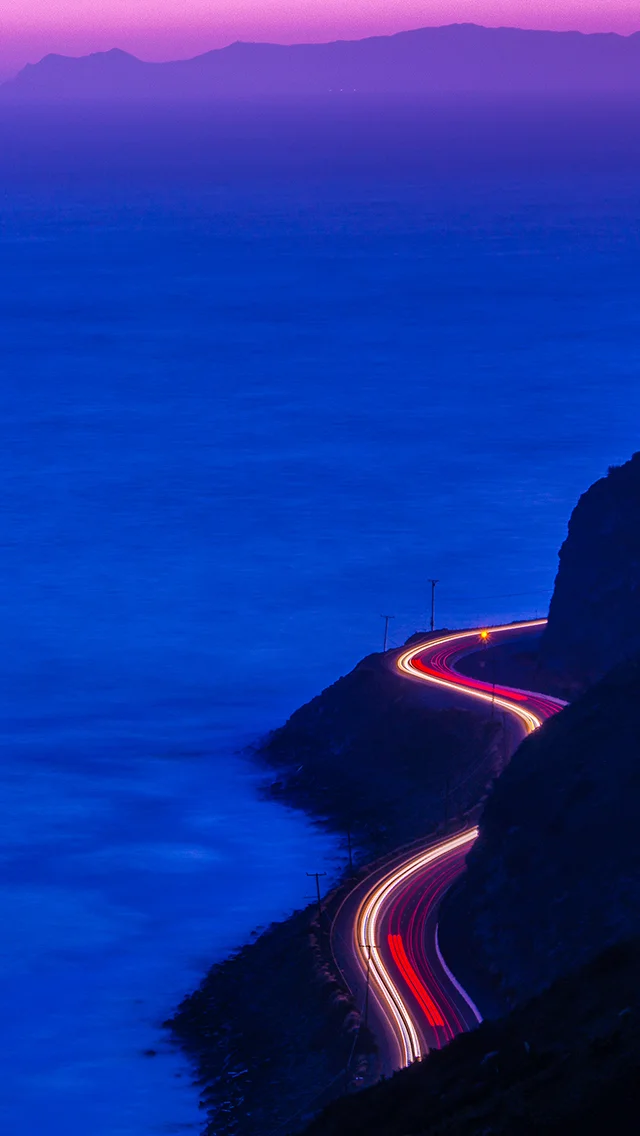
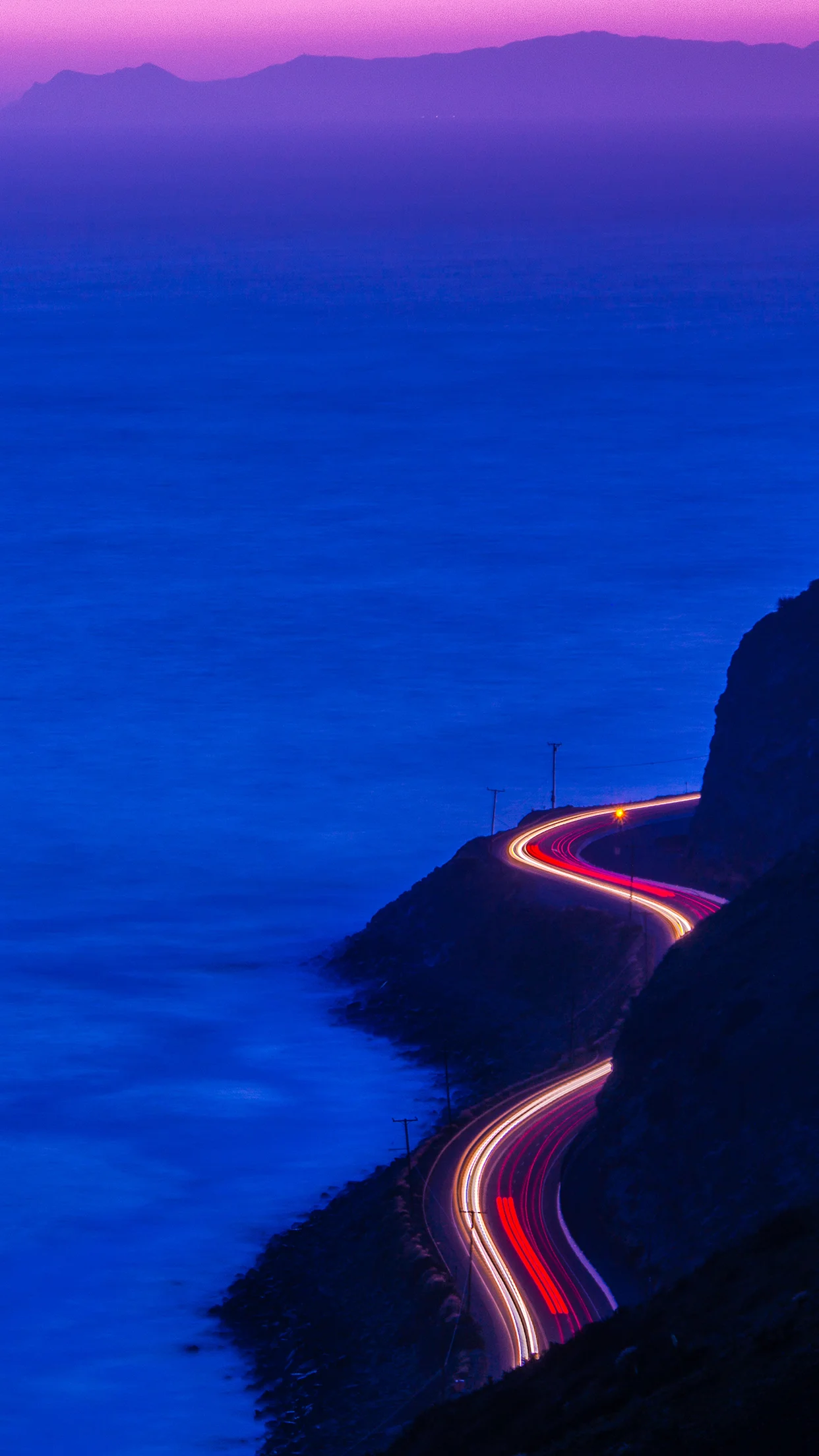
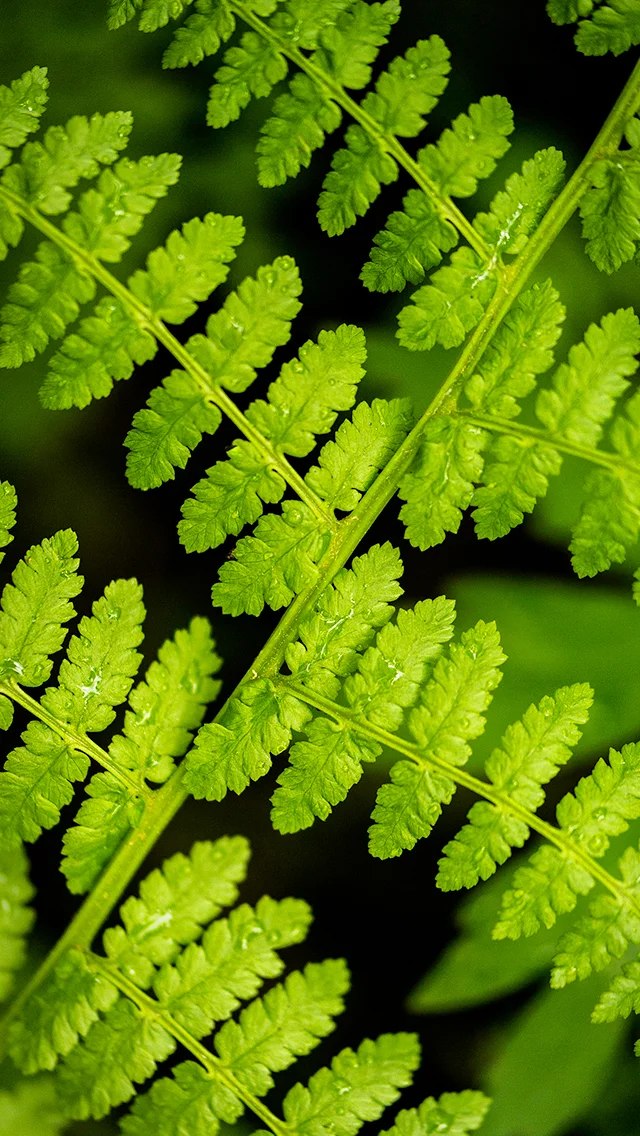
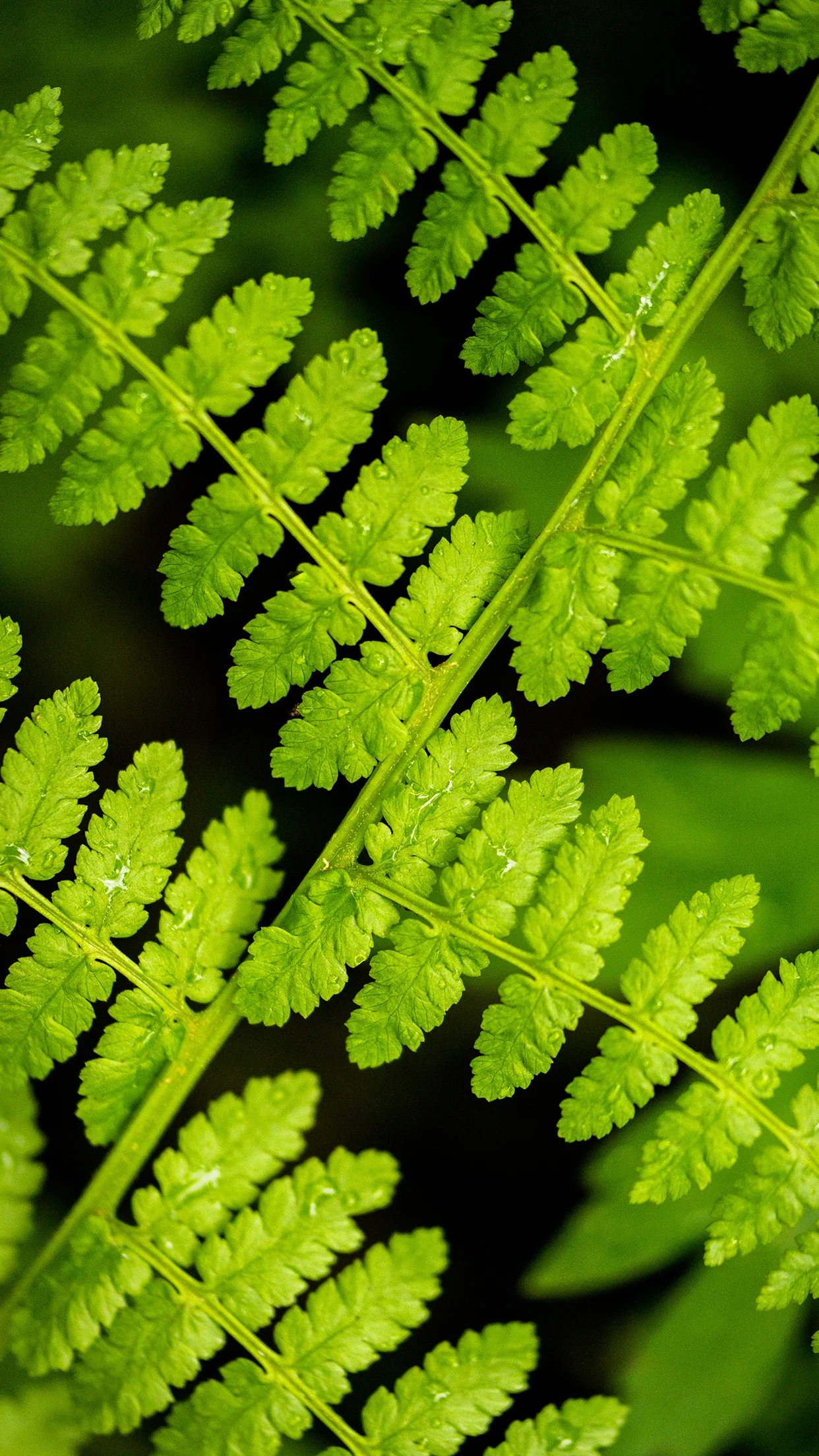
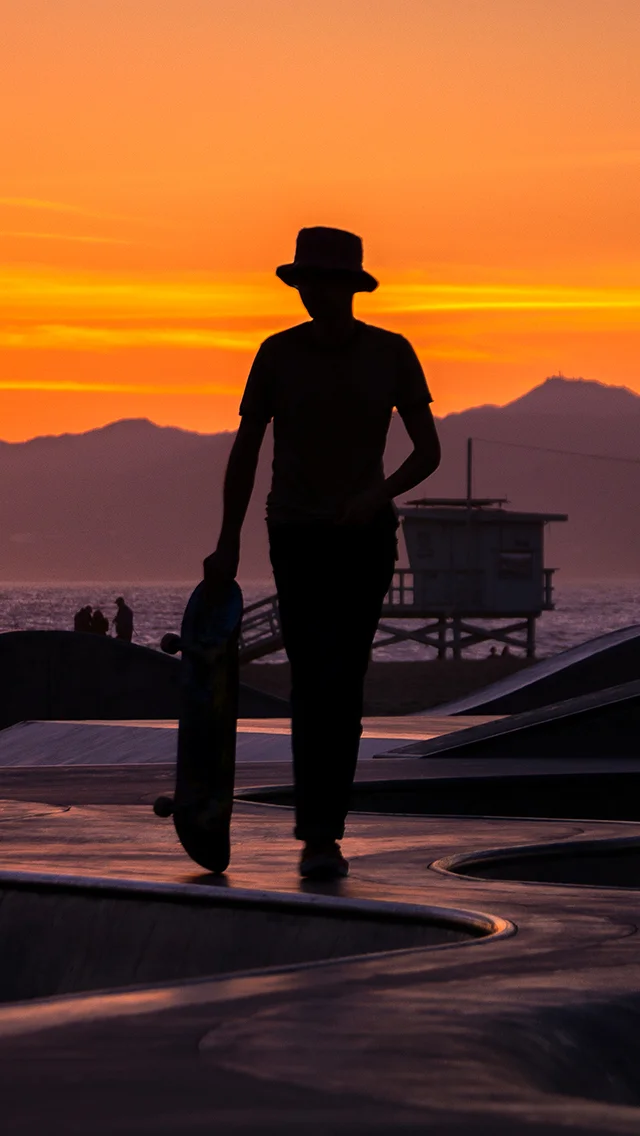
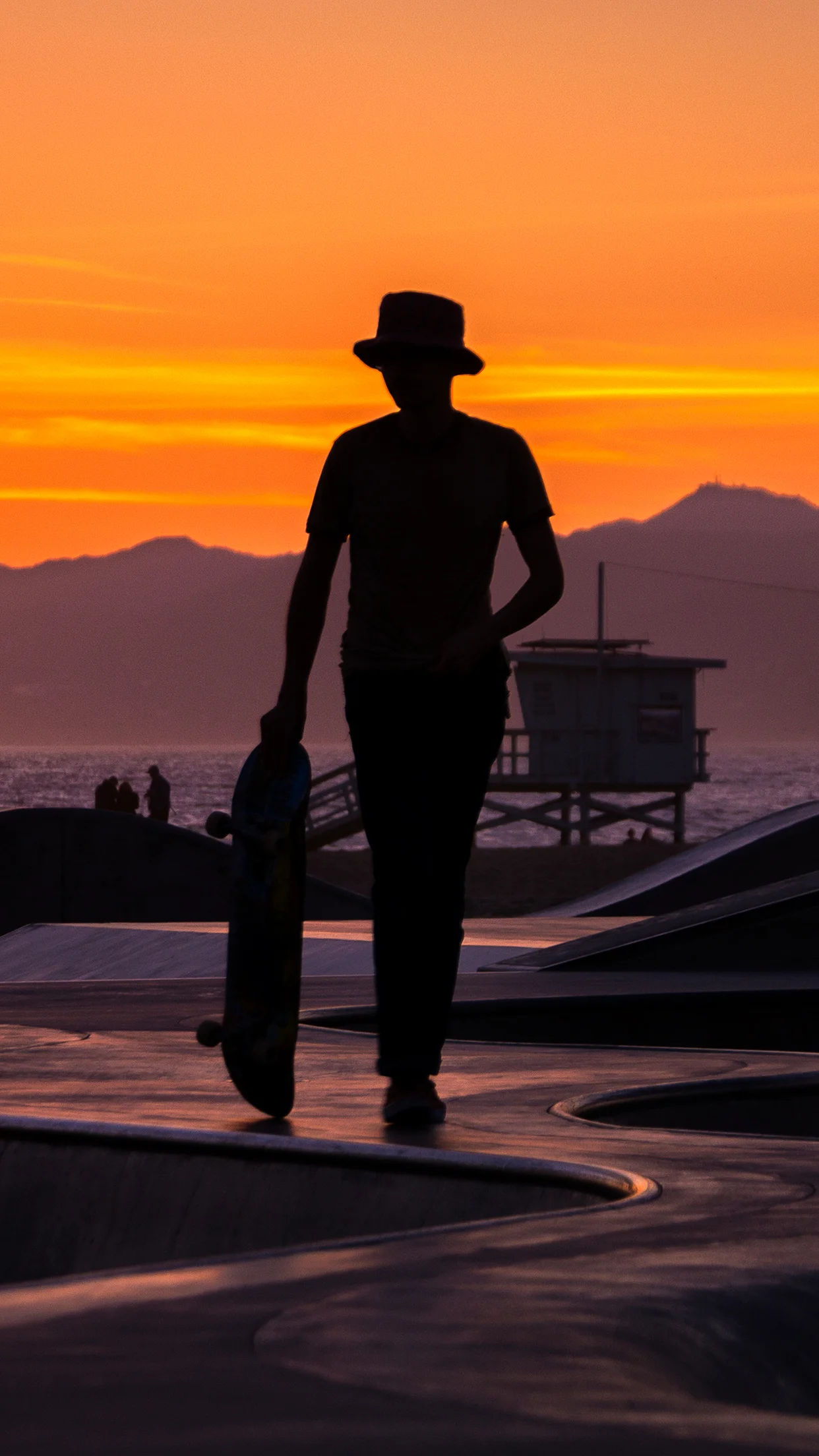
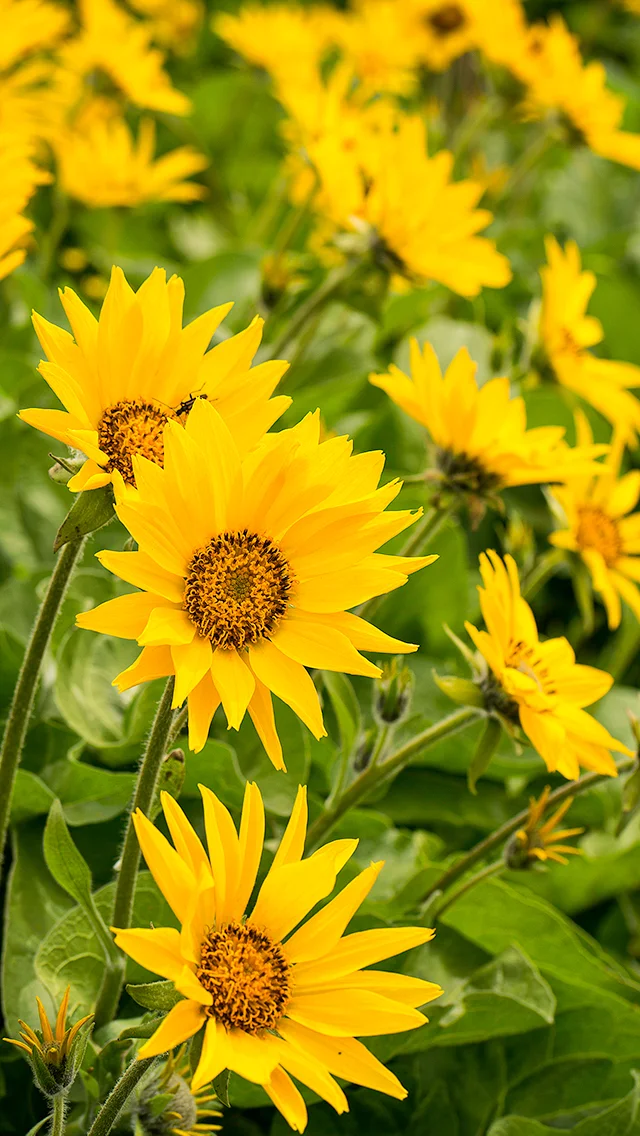
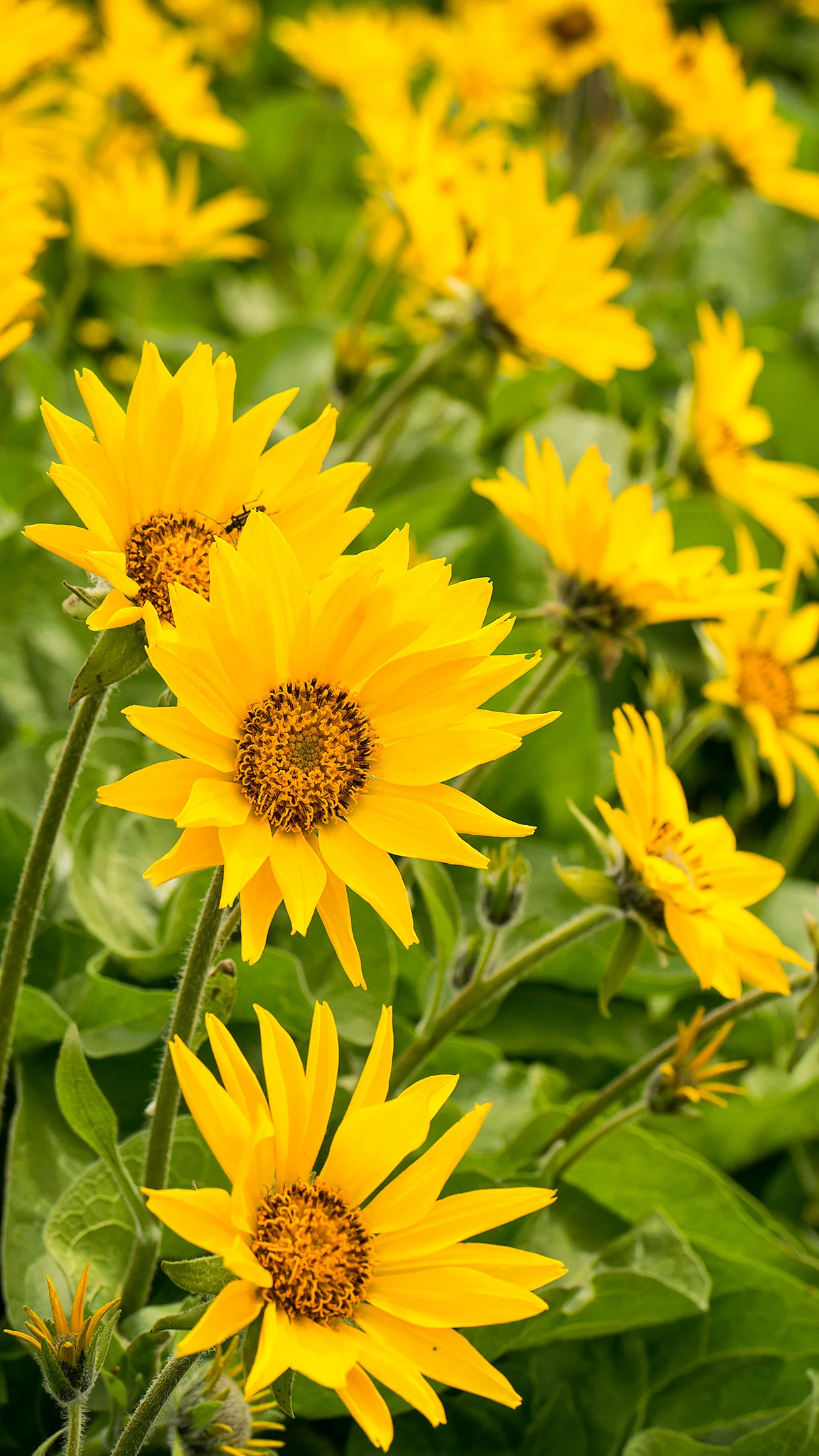
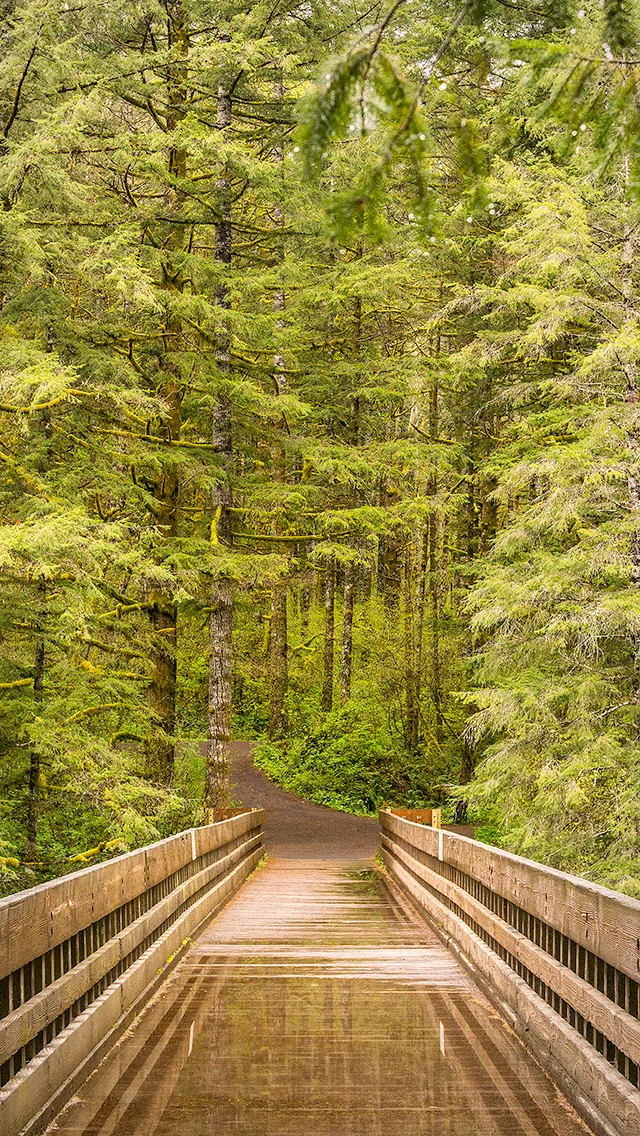
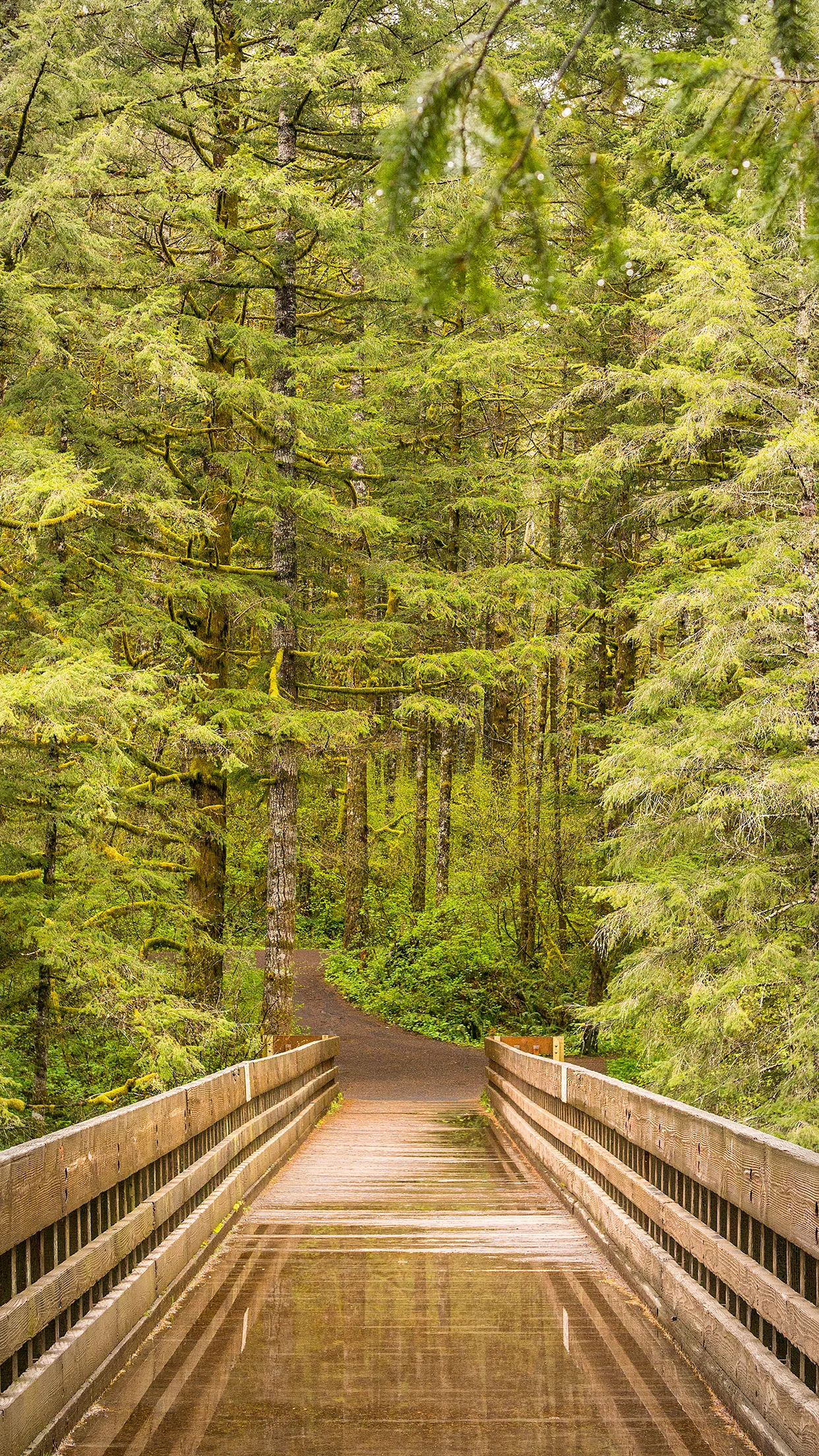
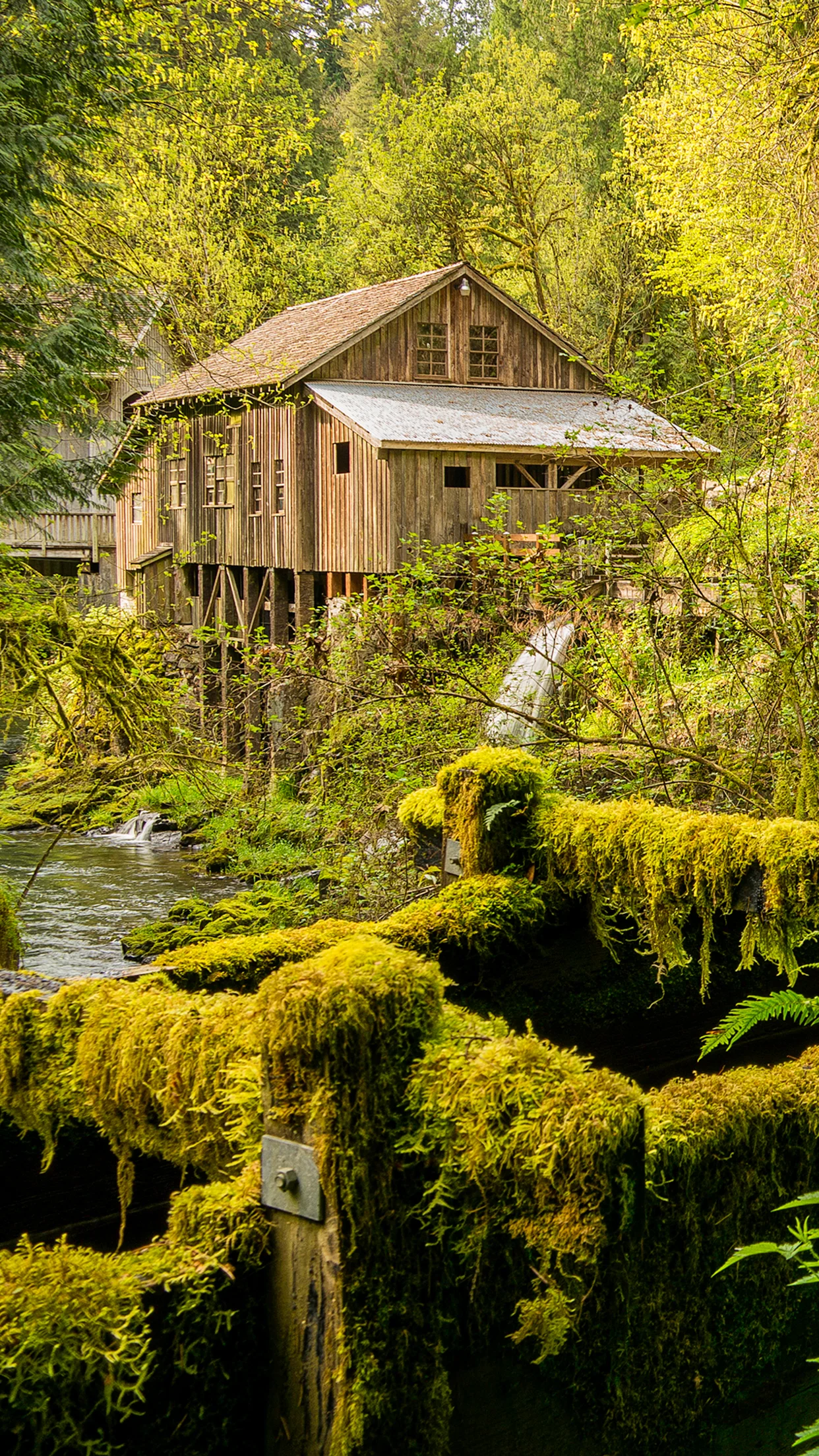
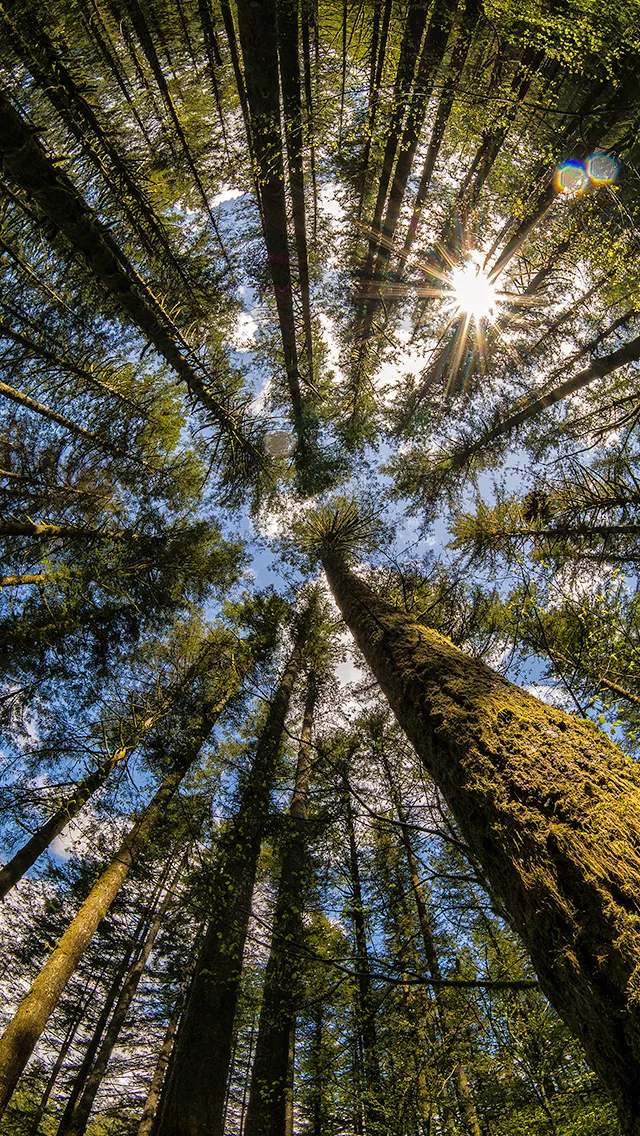
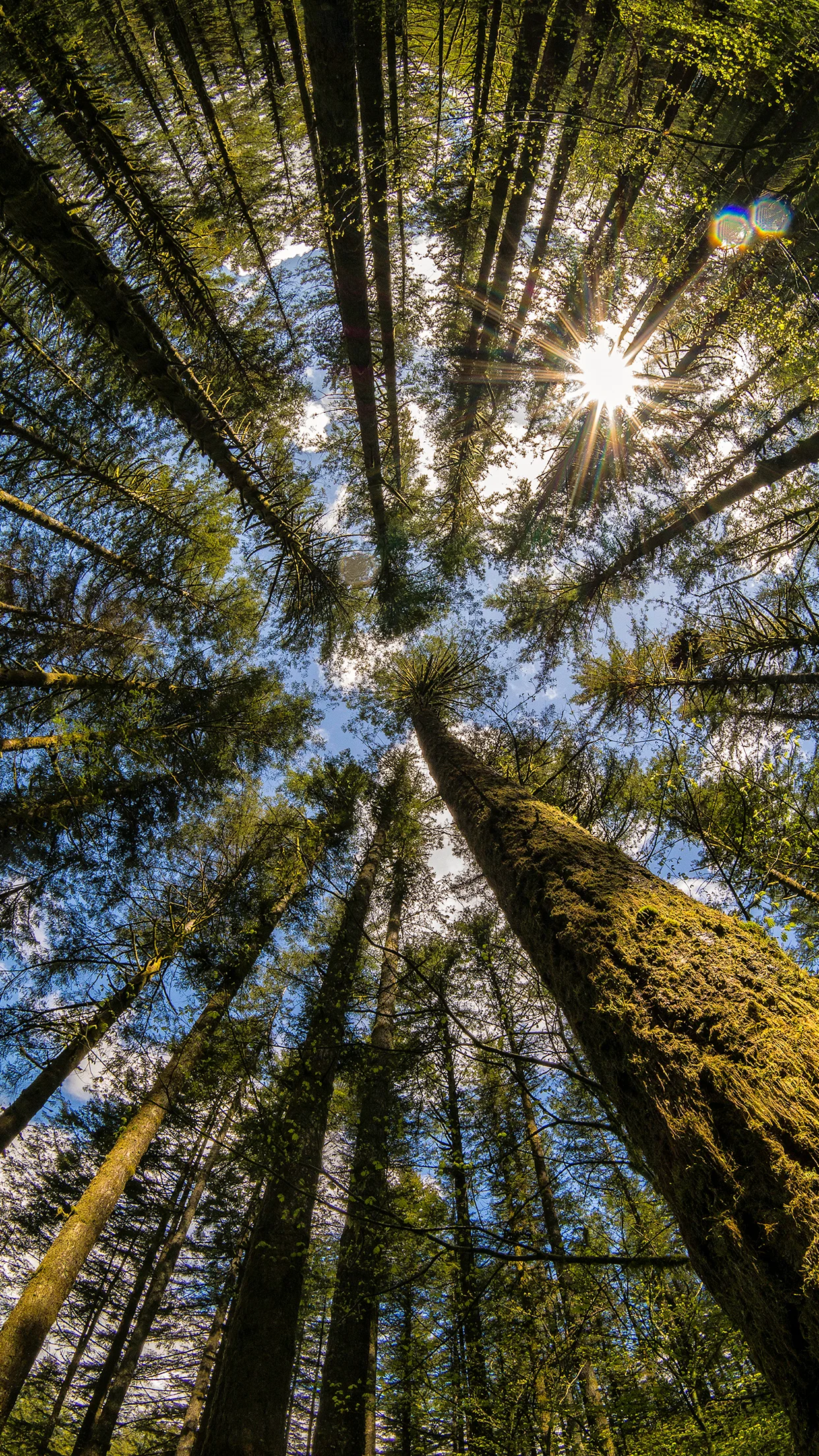
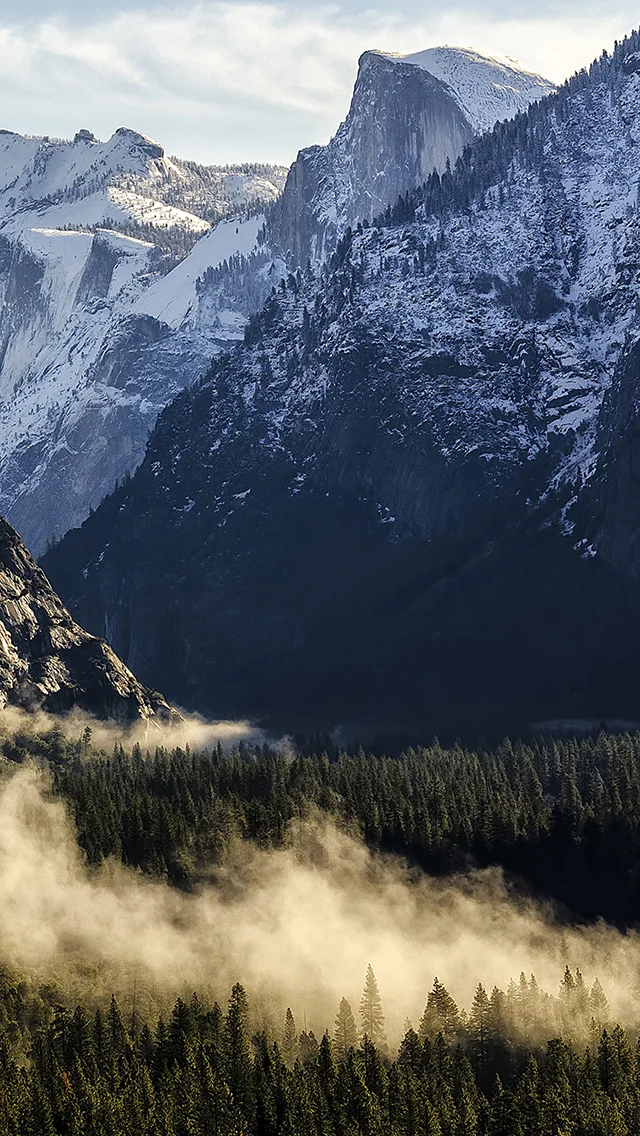
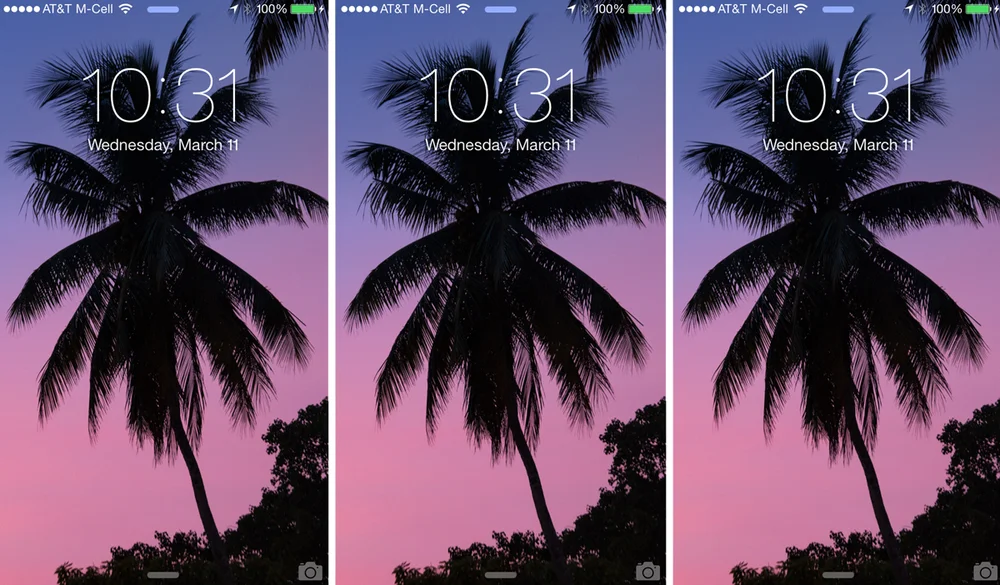
    For the lucky ones who managed to snag an iPhone 6 or iPhone 6 Plus, I figured I’d throw together a collection of my images sized and optimized to serve as background wallpapers to grace the face of your new device. There are several scenes covering various locations from Yosemite to Venice to a gorgeous Grist Mill in Washington. Hopefully there’s something in there that’ll tickle your fancy. The first image will always the iPhone 6 version, and the second one next to it will be the iPhone 6 Plus version. Find the one(s) you want, Right-Click and Save Link As. That should save the full size version. Or you can click on the image, and it will open in another page and you can save it from there. Or, if you’re on the device itself, click the one you want, and then when it shows up full screen, hold down a finger on it, and then choose ‘Save Image.’

    And in case you’re new to manual photography, which is a new feature now available on iOS 8, make sure to check out my post from earlier this week, What Apple iOS 8 Manual Camera Controls Means For The Masses.

    And for more of my madness and other happenings and what-nots and billy-bobs and jigga-ma-things: Instagram: @wasimofnazareth Twitter: @wasimofnazareth Google+: www.Google.com/+WasimMuklashy Facebook: www.Facebook.com/WasimOfNazareth
    All images other than the Yosemite images were taken on Samsung NX30 and NX300 mirrorless cameras. The Yosemite images were taken using a Nikon D7000 before I switched to mirrorless as part of Samsung’s Imagelogger program.

    Wasim Muklashy Photography_Mono Lake_California_iPhone6
    Wasim Muklashy Photography_Mono Lake_California_iPhone6
    Wasim Muklashy Photography_Mono Lake_California_iPhone6Plus
    Wasim Muklashy Photography_Mono Lake_California_iPhone6Plus
    Wasim Muklashy Photography_Pole Position_iPhone6
    Wasim Muklashy Photography_Pole Position_iPhone6
    Wasim Muklashy Photography_Pole Position_iPhone6Plus
    Wasim Muklashy Photography_Pole Position_iPhone6Plus
    Wasim Muklashy_Ferns_Ponytail Falls_Oregon_iPhone6
    Wasim Muklashy_Ferns_Ponytail Falls_Oregon_iPhone6
    Wasim Muklashy_Ferns_Ponytail Falls_Oregon_iPhone6Plus
    Wasim Muklashy_Ferns_Ponytail Falls_Oregon_iPhone6Plus
    Wasim_Muklashy_Skateboarding_Venice_CA_iPhone6
    Wasim_Muklashy_Skateboarding_Venice_CA_iPhone6
    Wasim_Muklashy_Skateboarding_Venice_CA_iPhone6Plus
    Wasim_Muklashy_Skateboarding_Venice_CA_iPhone6Plus
    Wasim Muklashy_Sunflowers_Columbia River Gorge_Oregon_iPhone6
    Wasim Muklashy_Sunflowers_Columbia River Gorge_Oregon_iPhone6
    Wasim Muklashy_Sunflowers_Columbia River Gorge_Oregon_iPhone6Plus
    Wasim Muklashy_Sunflowers_Columbia River Gorge_Oregon_iPhone6Plus
    Wasim_Muklashy_Bridge To Somewhere_Washingtion_iPhone6
    Wasim_Muklashy_Bridge To Somewhere_Washingtion_iPhone6
    Wasim_Muklashy_Bridge To Somewhere_Washingtion_iPhone6Plus
    Wasim_Muklashy_Bridge To Somewhere_Washingtion_iPhone6Plus
    Wasim Muklashy Photography_Cedar Creek Grist Mill_Washington_iPhone6
    Wasim Muklashy Photography_Cedar Creek Grist Mill_Washington_iPhone6
    Wasim Muklashy Photography_Cedar Creek Grist Mill_Washington_iPhone6Plus
    Wasim Muklashy Photography_Cedar Creek Grist Mill_Washington_iPhone6Plus
    Wasim_Muklashy_Eye In The Sky_Washington_iPhone6
    Wasim_Muklashy_Eye In The Sky_Washington_iPhone6
    Wasim_Muklashy_Eye In The Sky_Washington_iPhone6Plus
    Wasim_Muklashy_Eye In The Sky_Washington_iPhone6Plus
    rolling in.
    rolling in.
    rolling in.
    rolling in.
    a slice of yosemite layer cake
    a slice of yosemite layer cake
    a slice of yosemite layer cake
    a slice of yosemite layer cake
    half dome after the storm.
    half dome after the storm.
    half dome after the storm.
    half dome after the storm.
    el capitan dares you.
    el capitan dares you.
    el capitan dares you.
    el capitan dares you.
  • Why Apple iOS 8 Will Create Better Photographers

    Why Apple iOS 8 Will Create Better Photographers

    Apple_iOS 8_Manual Camera Controls_Capture_Composition

    With Apple opening up controls to iPhone’s native camera in the soon-to-be-released iOS 8, allowing access to manual photo controls, and the fact that the iPhone camera is already the most popular camera phone, we might just see a significant uptick in the quality of all those selfies and your coworkers lunches, cats, and margaritas (well that depends on how many margaritas I suppose).
    Most people that use their iPhones as cameras use the native app, and with that comes no controls other than aspect ratio and front or rear facing camera, and most third party apps that offer some version of manual controls proving either clunky or digitally over-ambitious at best. But now, with iOS 8, they’re going to see a lot of options that they may have never even heard of before.

    “To be clear, iOS 8 will expose just about every manual camera control possible,” a recent AnandTech report states. “This means that ISO, shutter speed, focus, white balance, and exposure bias can be manually set within a custom camera application. Outside of these manual controls, Apple has also added gray card functionality to bypass the auto white balance mechanism and both EV bracketing and shutter speed/ISO bracketing.”

    As the uninitiated shutter-flies begin messing with these controls out of curiosity, or even perhaps simple boredom, they’ll notice two things:

    1. Some of their pictures are getting better.

    2. Some of their pictures are getting worse.

    And if you really stop to think about it, that’s the same thing that happens when an aspiring professional photographer begins using manual controls, leading him/her to really discern what the differences are in those settings in order to get a higher percentage of images to their liking. If all goes well, this can inevitably lead to a higher percentage of better images being shared! A good thing for Apple, a good thing for their compeition, and most importantly, a good thing for photography.

    For more of my madness:
    Instagram: @wasimofnazareth
    Twitter: @wasimofnazareth
    Google+: www.Google.com/+WasimMuklashy
    Facebook: www.Facebook.com/WasimOfNazareth

  • The Proof Sheet – Photography News In Review For The Week of July 14

    The Proof Sheet – Photography News In Review For The Week of July 14

    Wasim Muklashy Photography_The Contact Sheet_Photography News

    Welcome to The Proof Sheet, where each week I’ll post some of the more notable photography news in sweet, chewy, bite-sized, easily-digestible morsels. Click the Read More for this week’s stories.

    Photoshop World

    Photoshop World-A-Thon : So many of us can’t make it out to Photoshop World, so what’s the next best thing to attending the real thing? Attending Photoshop World-A-Thon. A full night of tips and tricks taught and demonstrated by Photoshop World veterans including Scott Kelby, all from the comfort of your own home. The free webinar comes with a free virtual swag bag and it all happens on July 24 at 7pm ET. CLICK HERE to register.

    aperture_lightroom_migration

    Aperture To Lightroom Migration Tool Now Available – While there hasn’t been an official release from either Apple or Adobe, there is a beta version of a new tool to help you begin your migration from Aperture to Lightroom in the wake of Apple’s announcement to stop developing Aperture. The tool is called Aperture Exporter and if you want it, CLICK HERE to visit the official site and download link.

    MIT Journalism

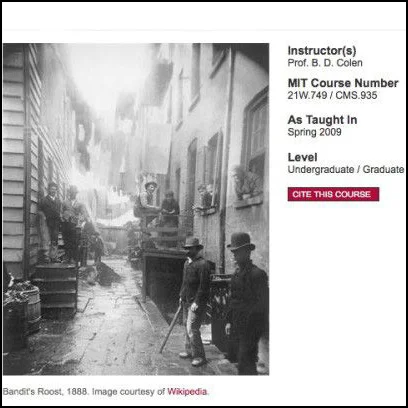
    Last week we talked about BBC opening up it’s journalism training courses to the public. This week it’s the Massachuessetes Institute of Technology. Through their Open Courseware project, MIT just gave us “Documentary Photography and Photojournalism: Still Images of a World in Motion,” a course actually offered at the iconic university. The free offerings include everything from the official syllabus to assignments and other course materials. CLICK HERE to go to class.

    blackmagic pocket cinema camera

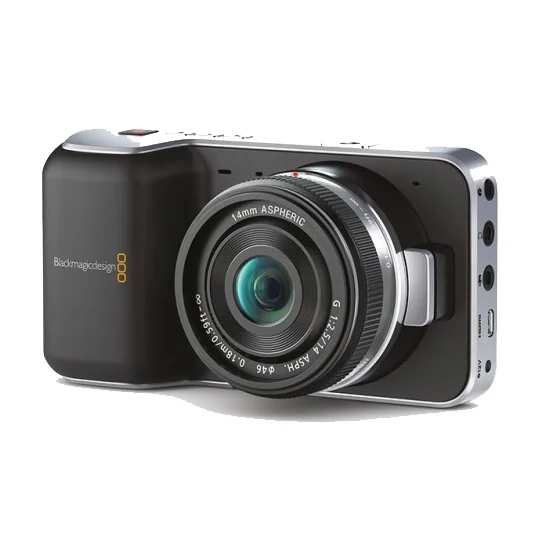
    Blackmagic Design have cut the price of their popular Pocket Cinema Camera by HALF! As if the $1000 prices tag wasn’t low enough for a professional level cinema camera that can shoot 1080 footage in RAW ProRes format with 13 stops of dynamic range, they’ve gone lost their minds and decided to make it available for $495 from now through the month of August. Git it! CLICK HERE for more info.

    Best of the Blogs

    Photographer John Rowe, along with Ethiopian Kara tribesman Lale Labuko have teamed up to help stop the practice of Mingi, an age old tradition of labeling certain children, mostly born with physical abnormalities, as ‘cursed.’ These children have traditionally been taken away and killed. Thanks to Labuko and Rowe’s Omo Child Organization, they have helped bring an end to the practice. CLICK HERE to read more about it. (source NBC)

    A first-aid trained journalist from Norway stopped in midst broadcast when a bomb exploded in proximity to where he was reporting from in Gaza. He rushed to the scene where he aided an injured child, before taking a moment to gather himself and resume his job by photographing the incident and the child. For the story and the video, CLICK HERE. (source Petapixel)

  • Thank Apple’s OS X Yosemite Announcement For This Collection Of Desktop & iPhone WallPapers

    Thank Apple’s OS X Yosemite Announcement For This Collection Of Desktop & iPhone WallPapers

    Wasim_Muklashy_Photography_Apple OS X Yosemite_Coming Round The Mountain

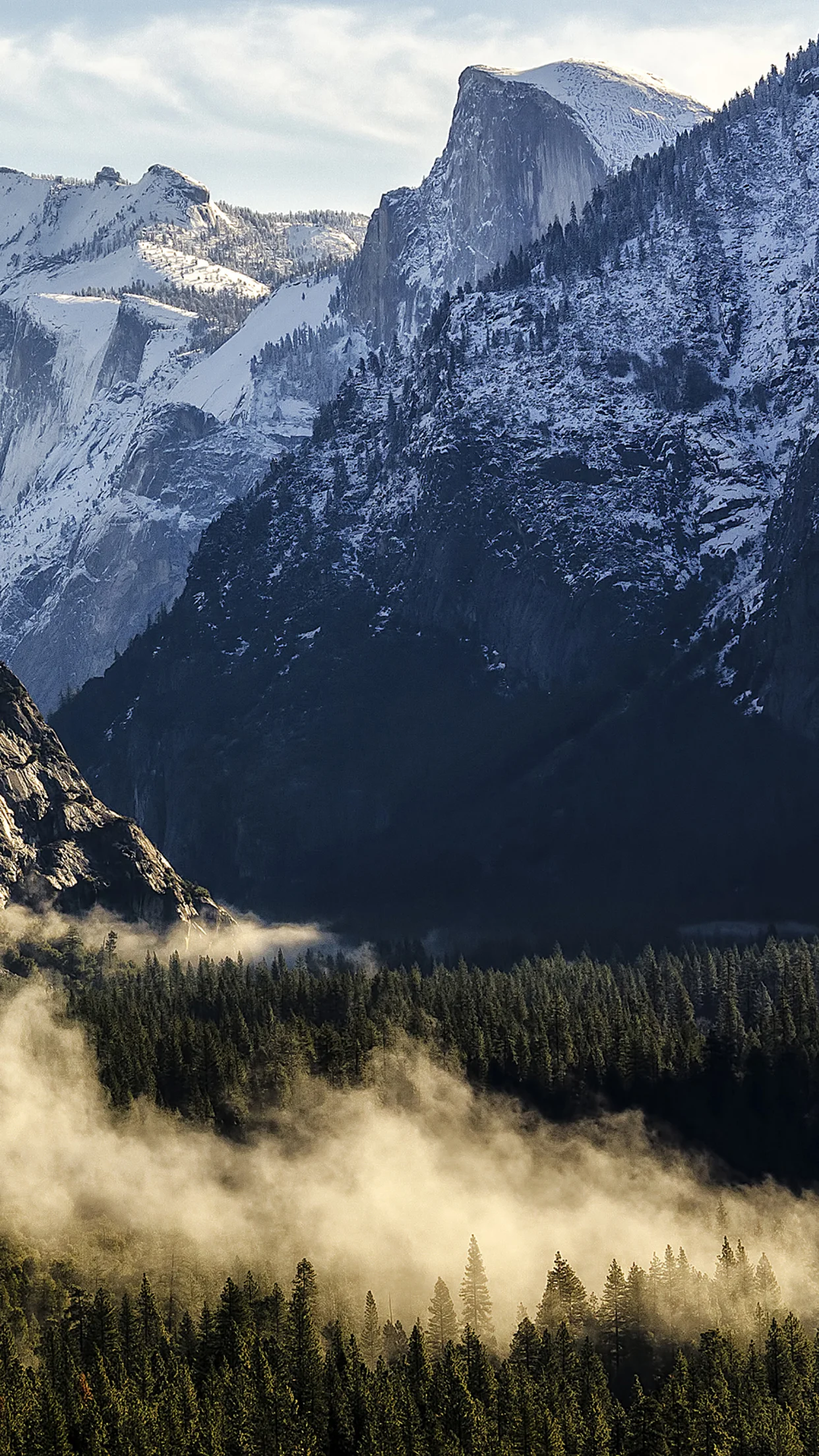
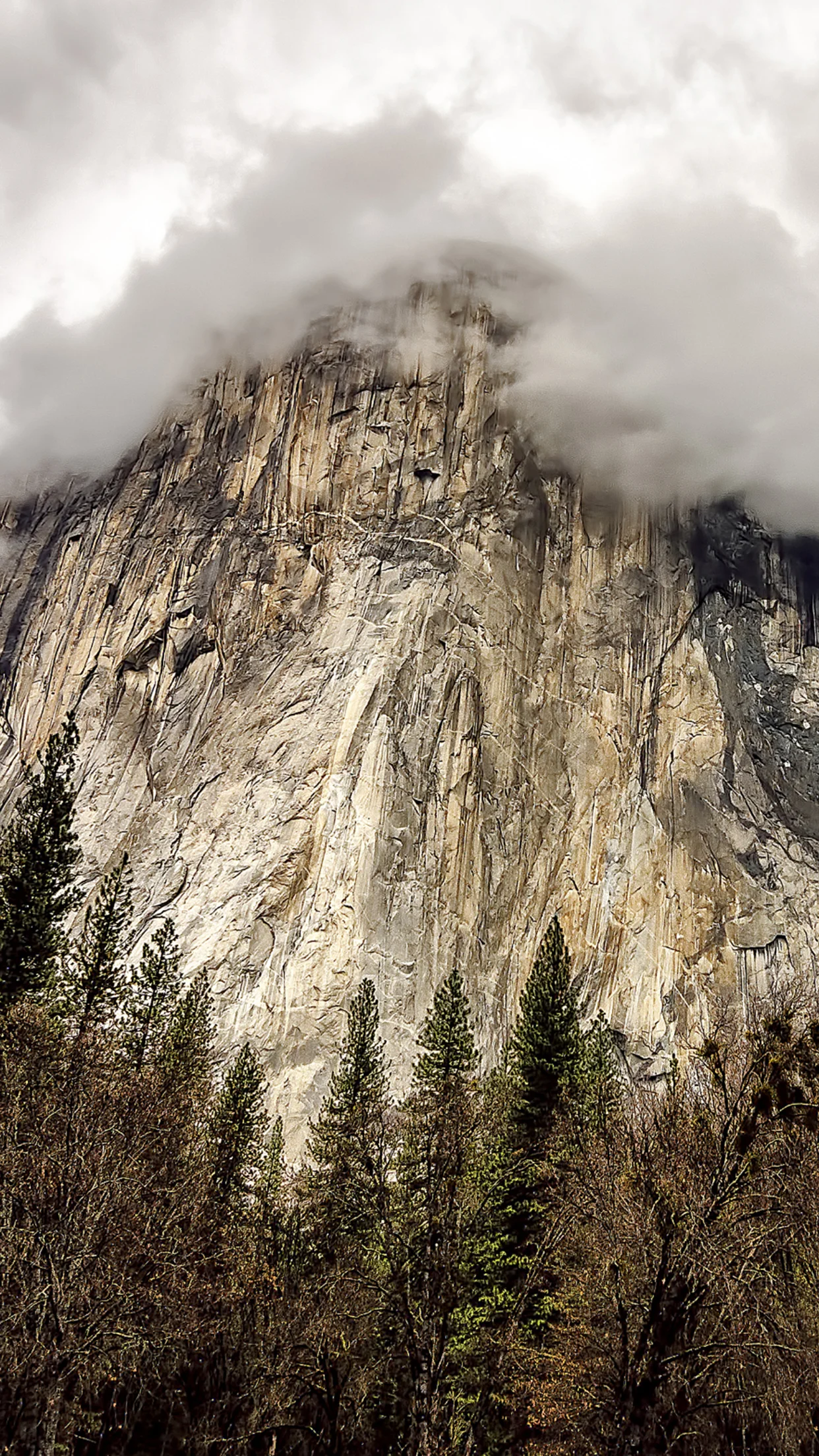
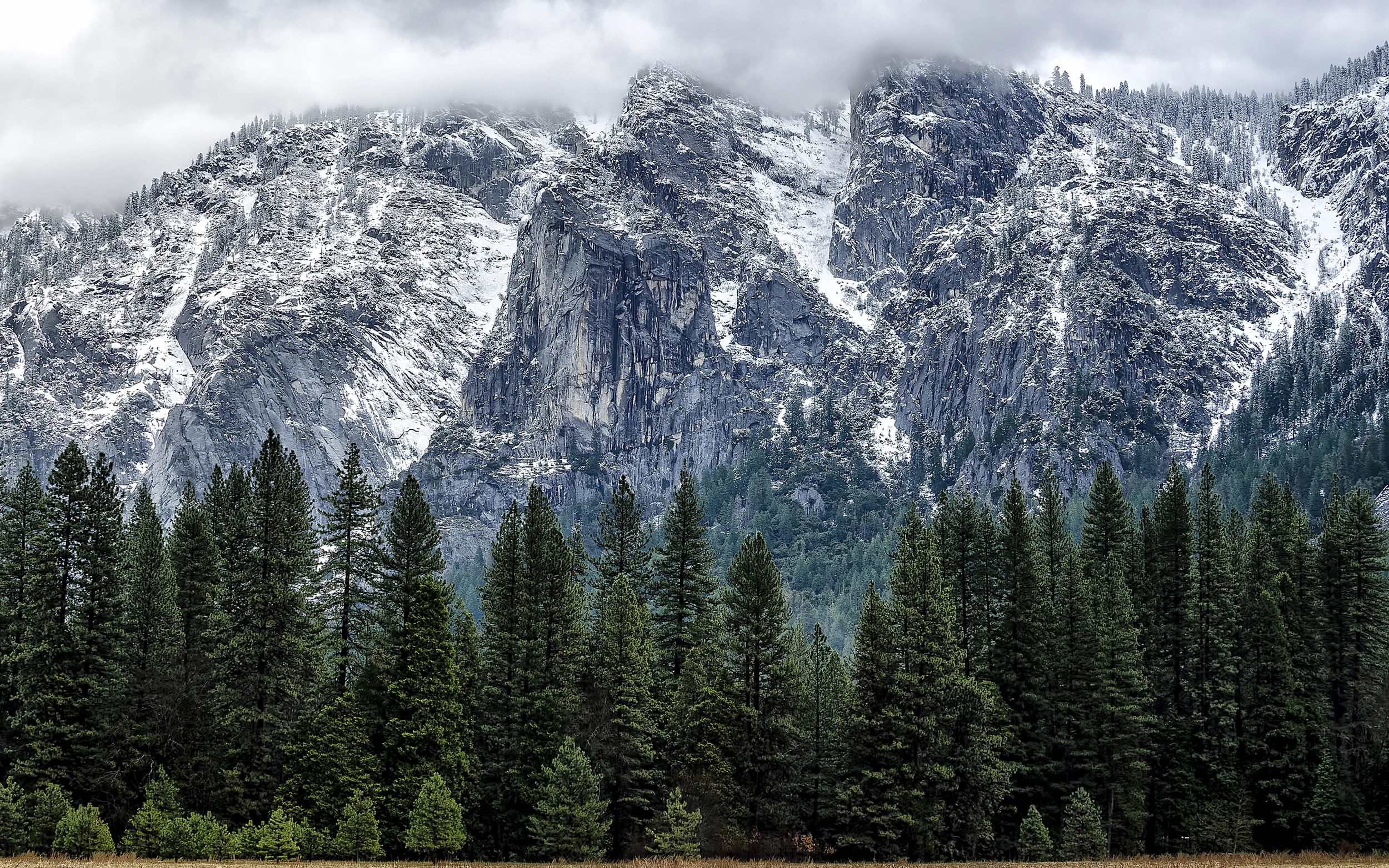
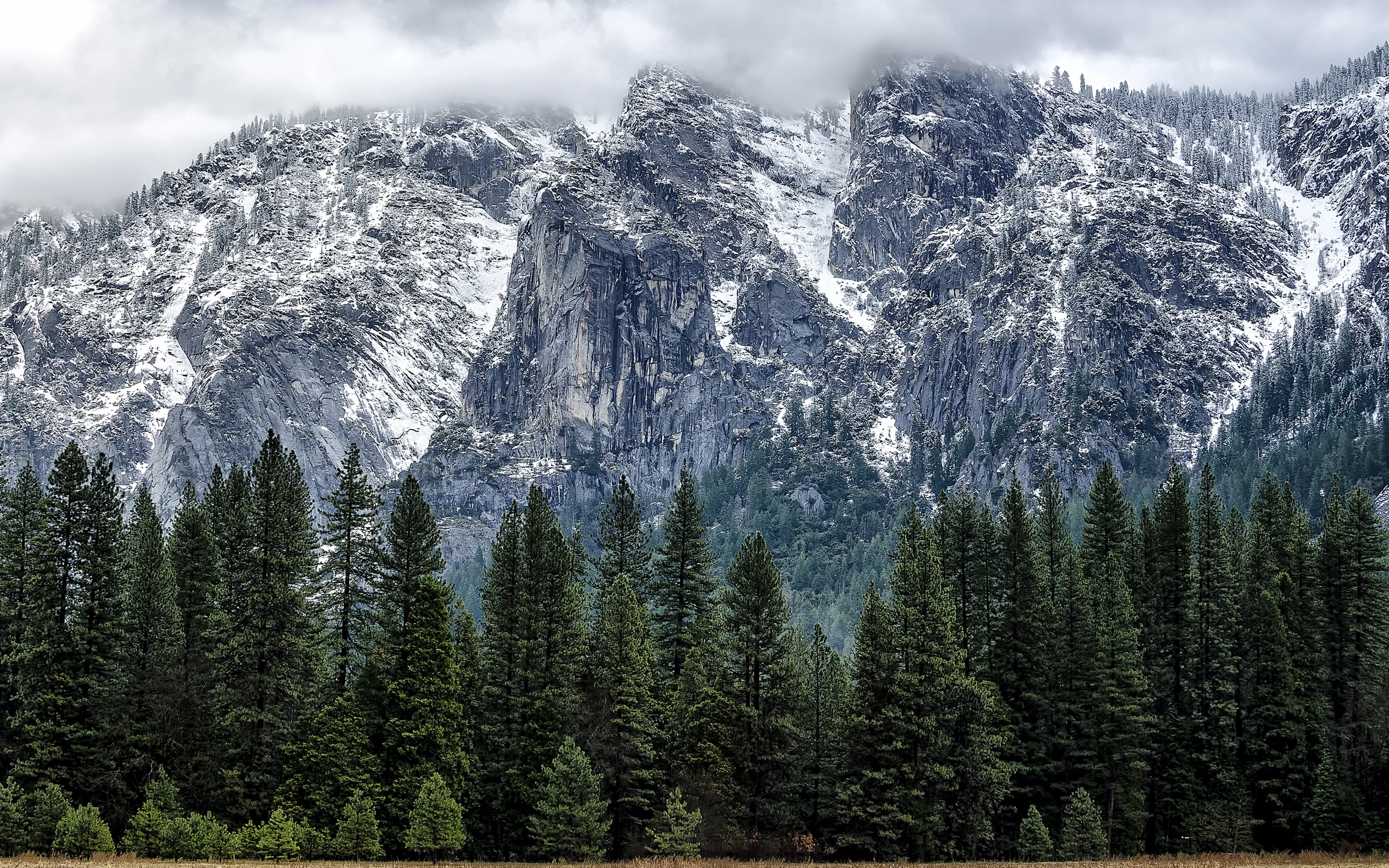
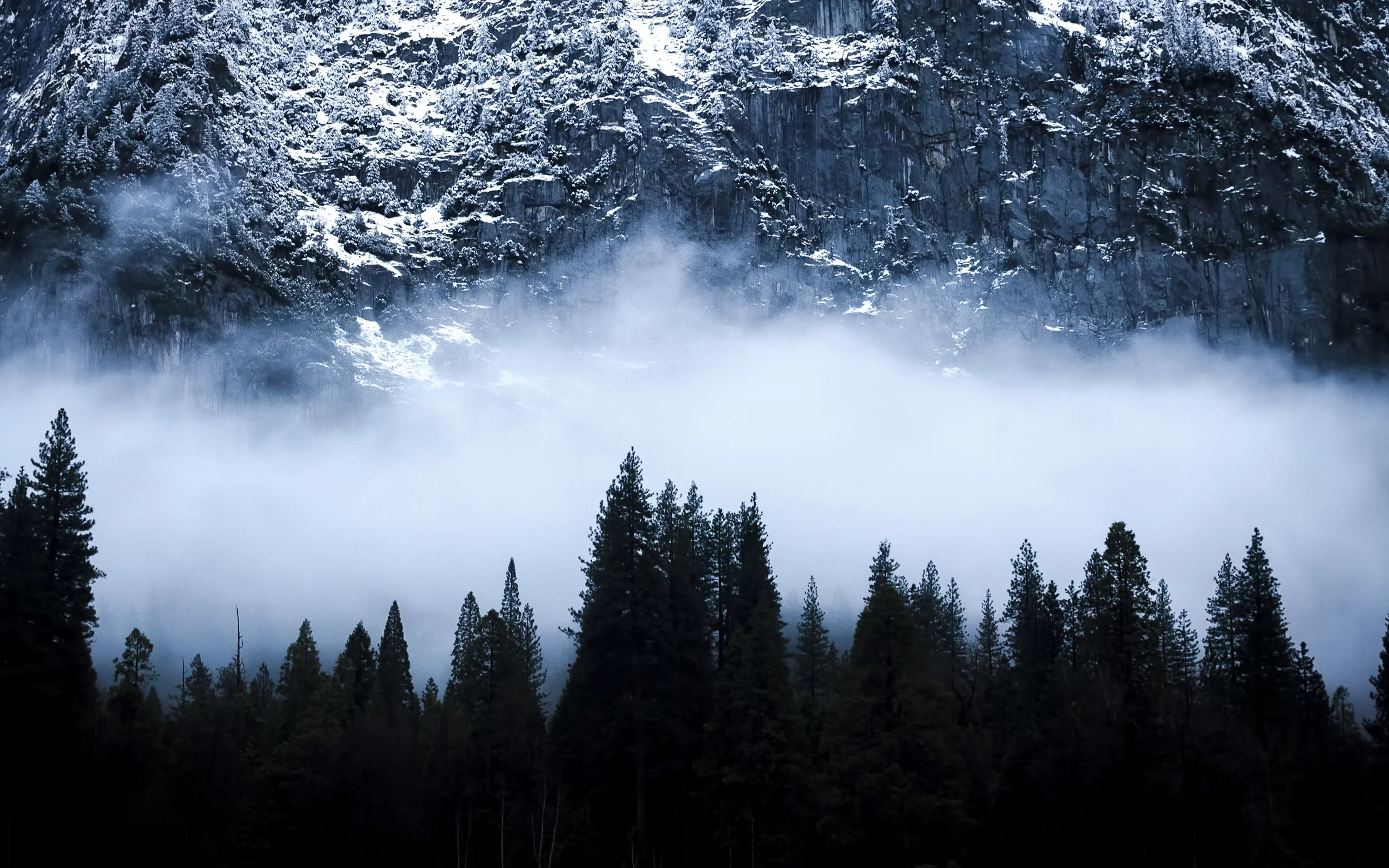
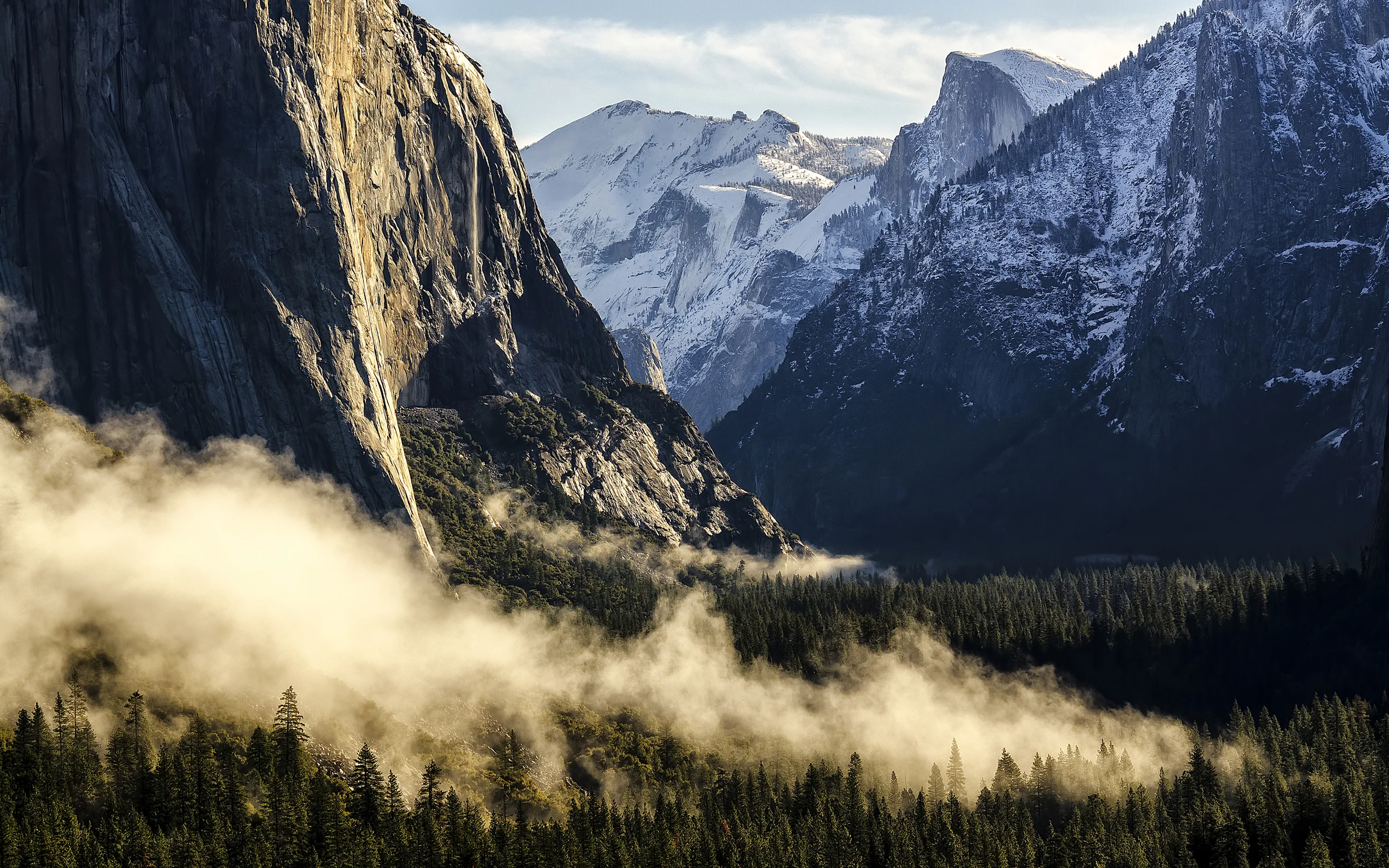
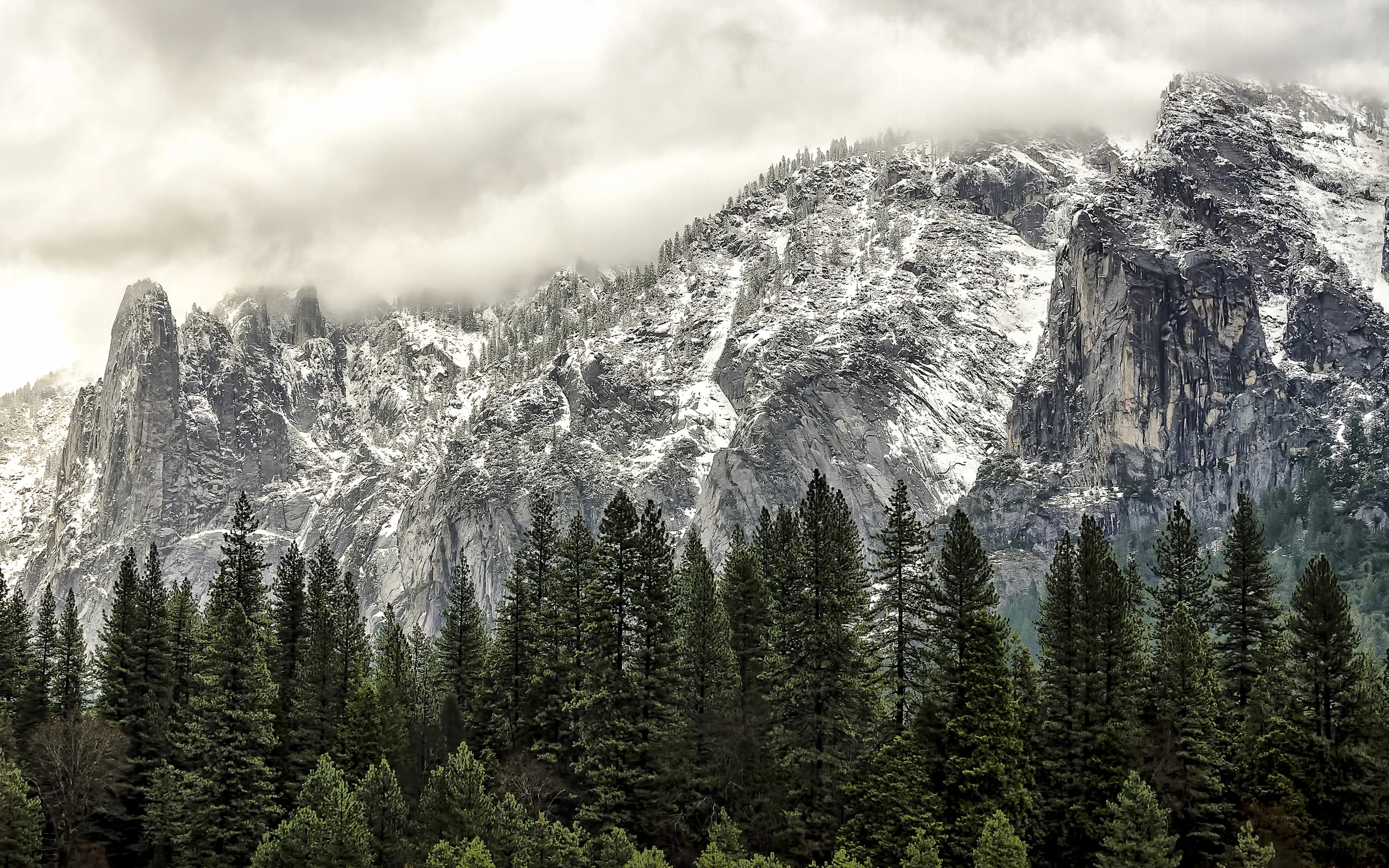
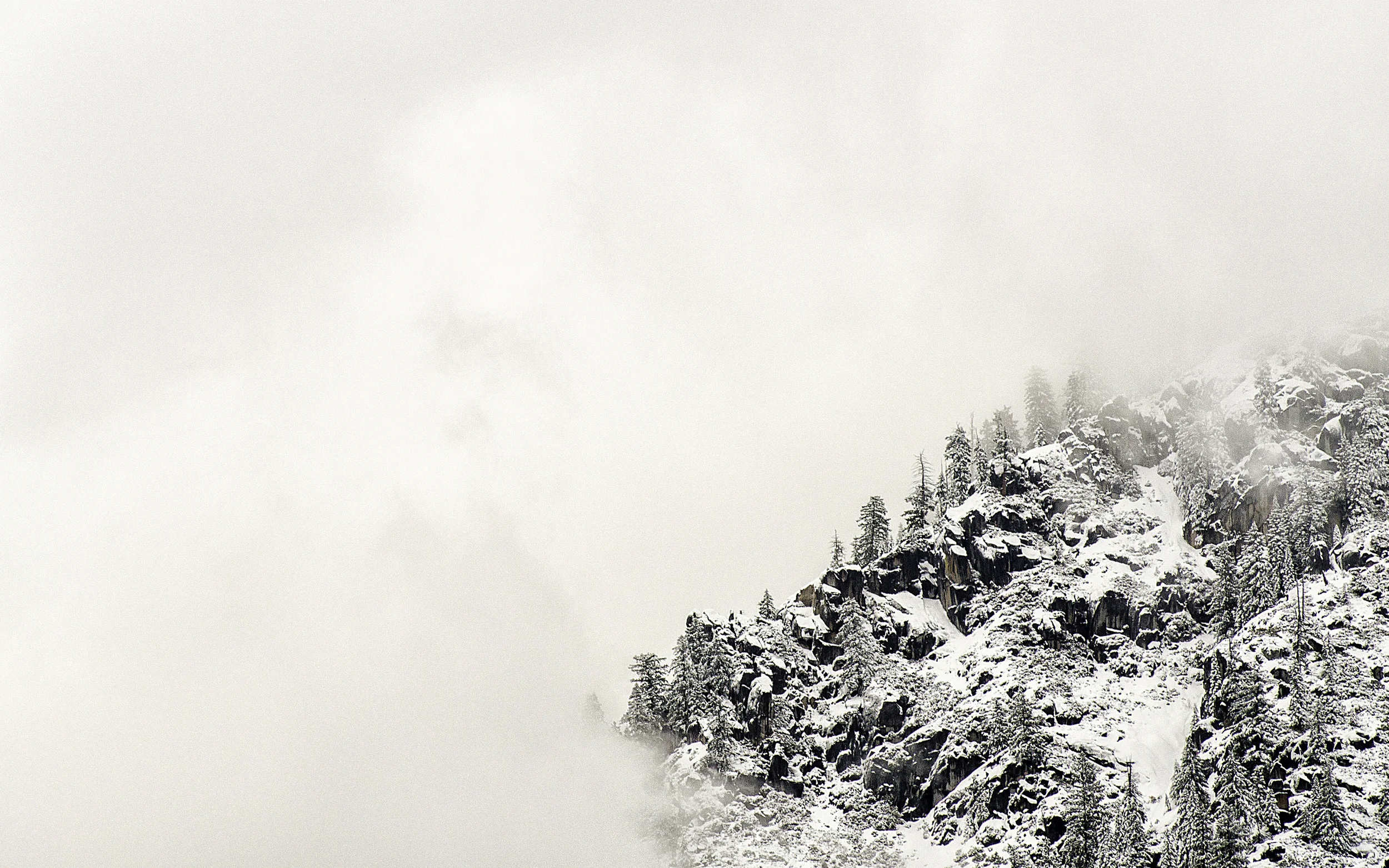
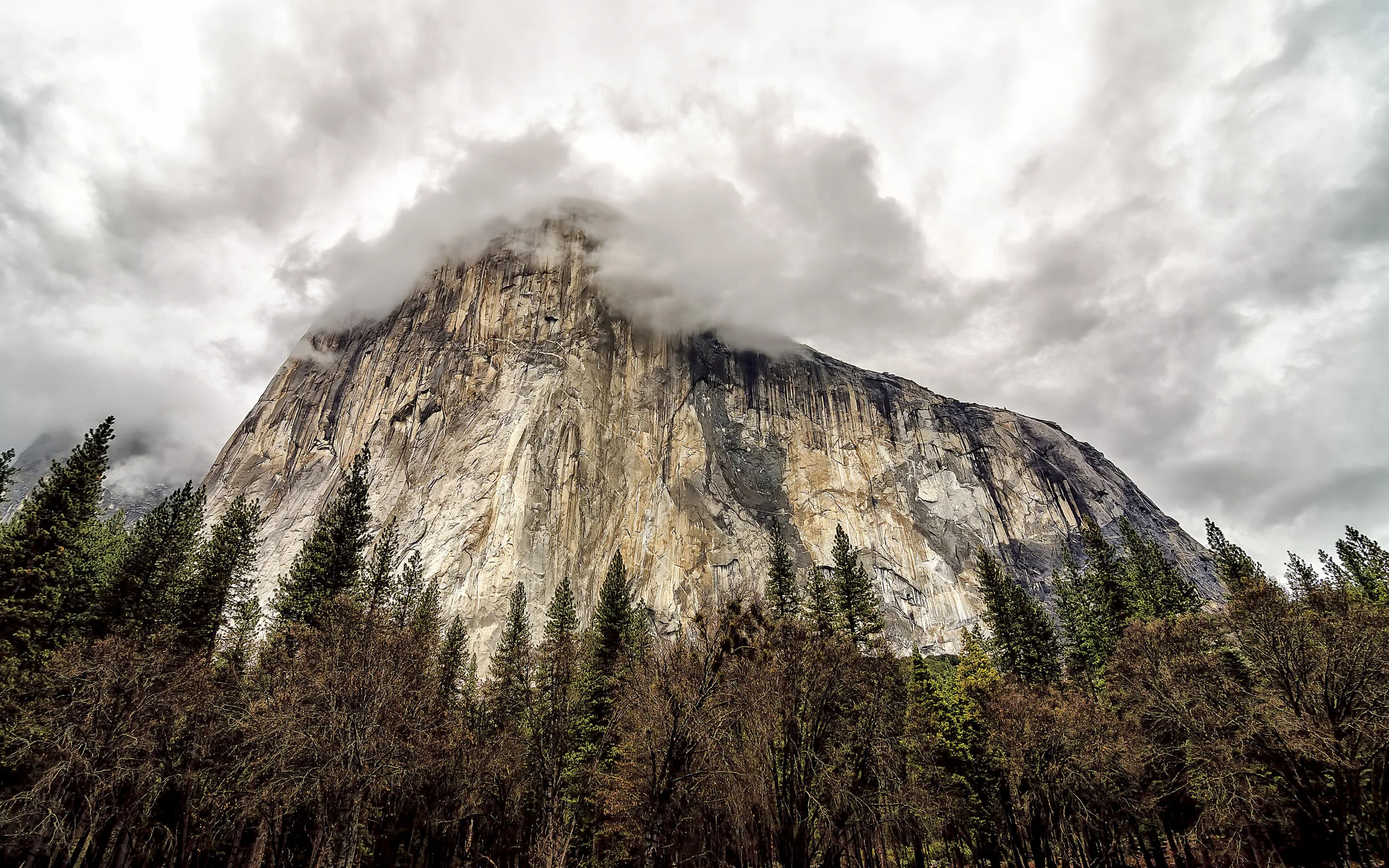
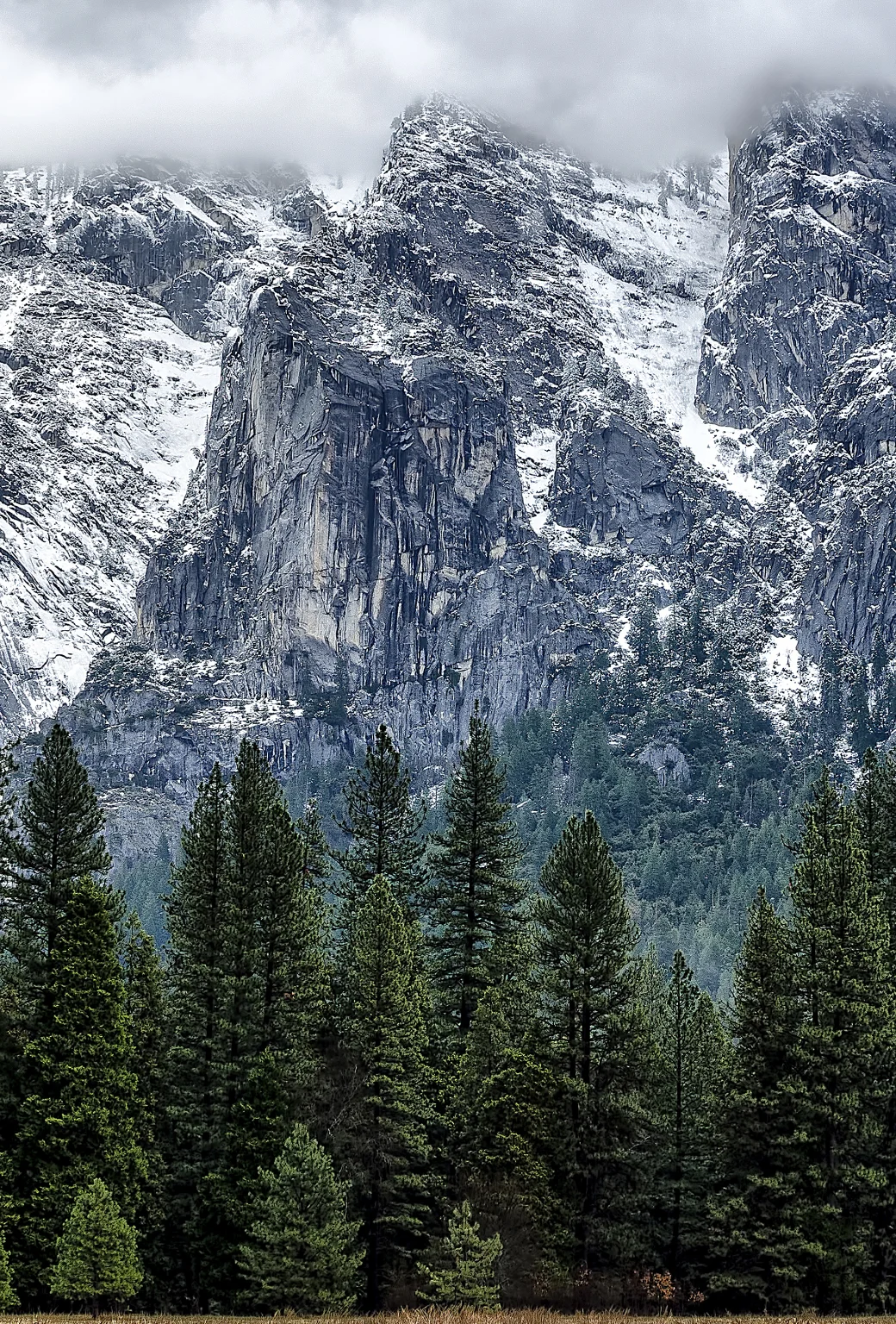
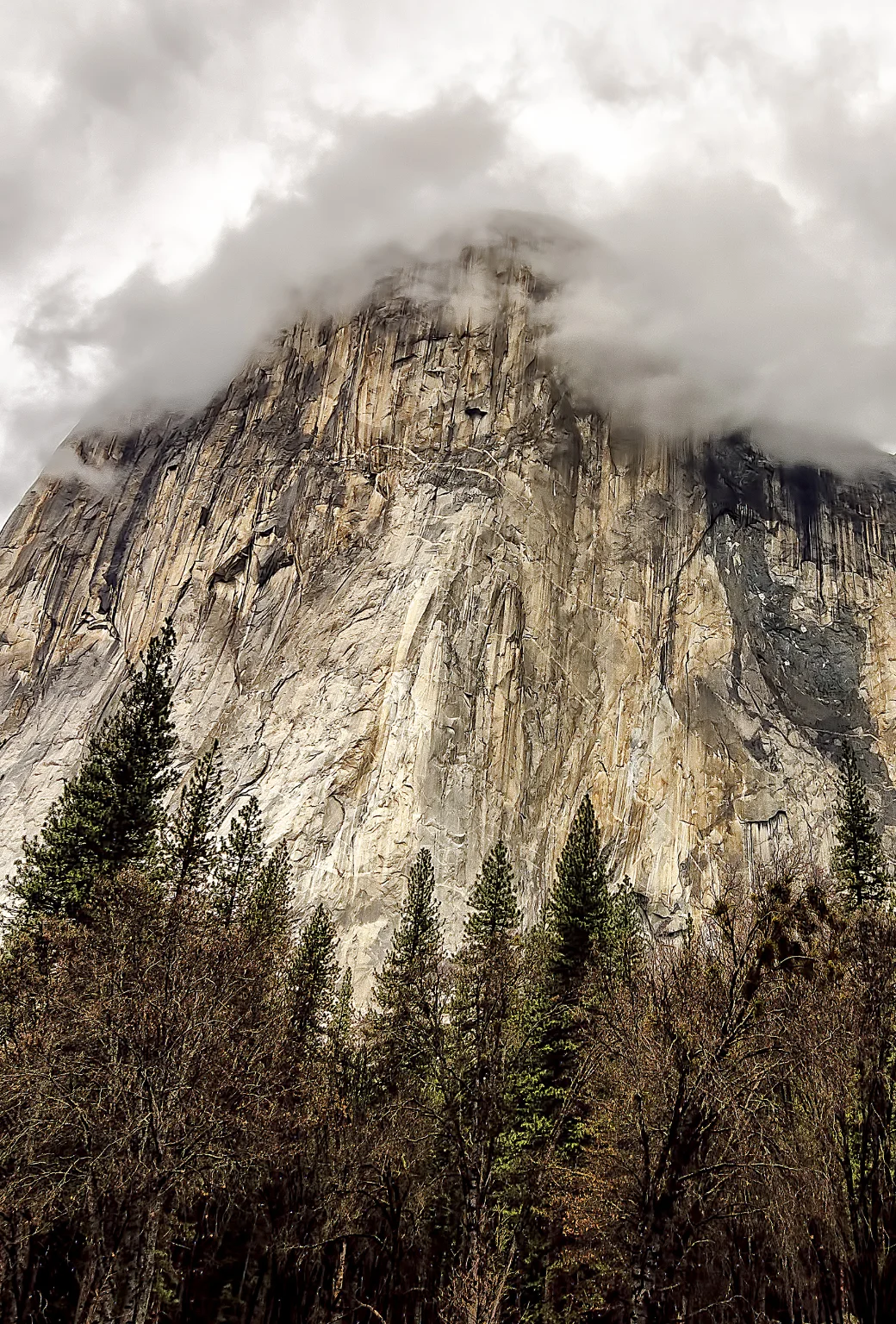
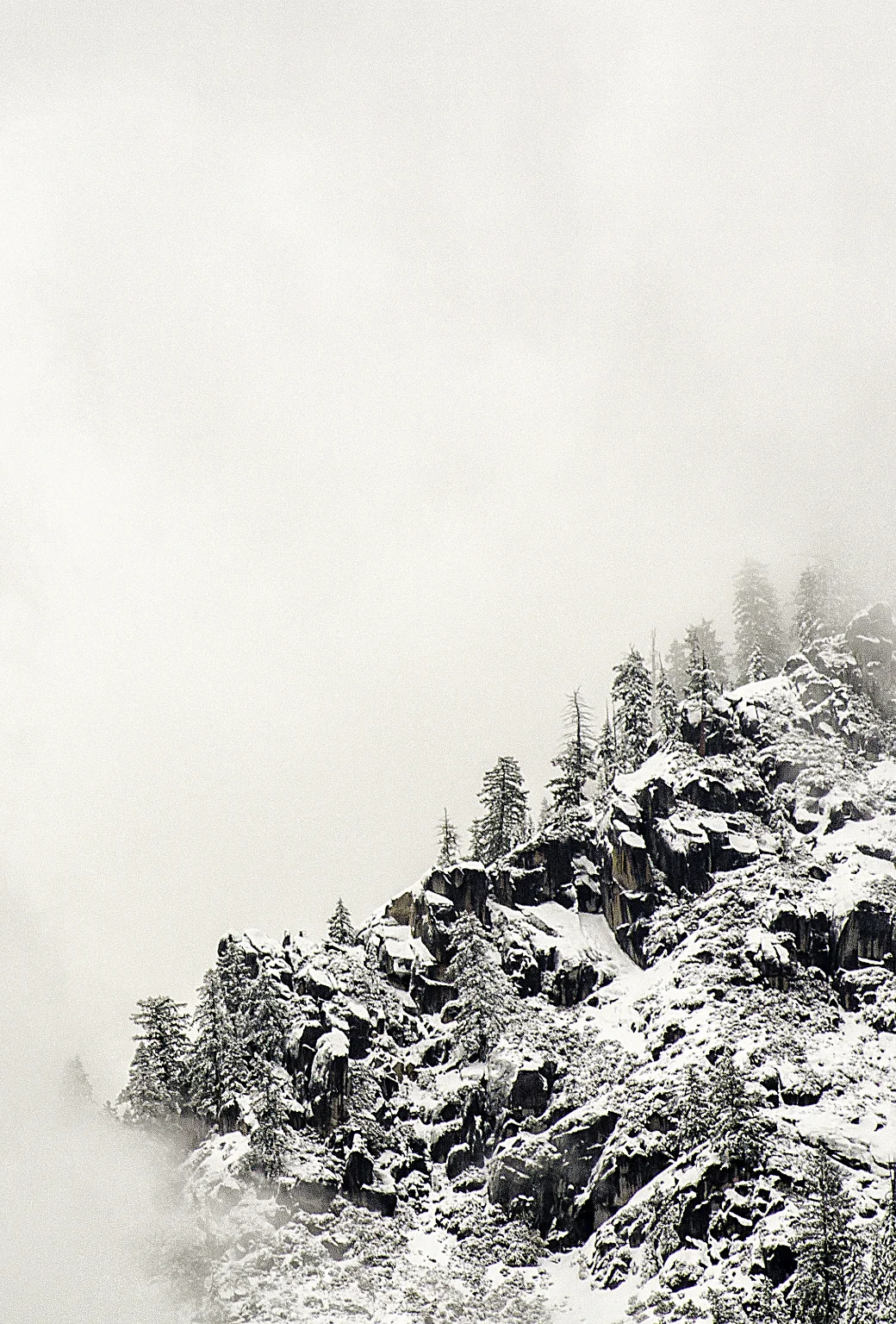
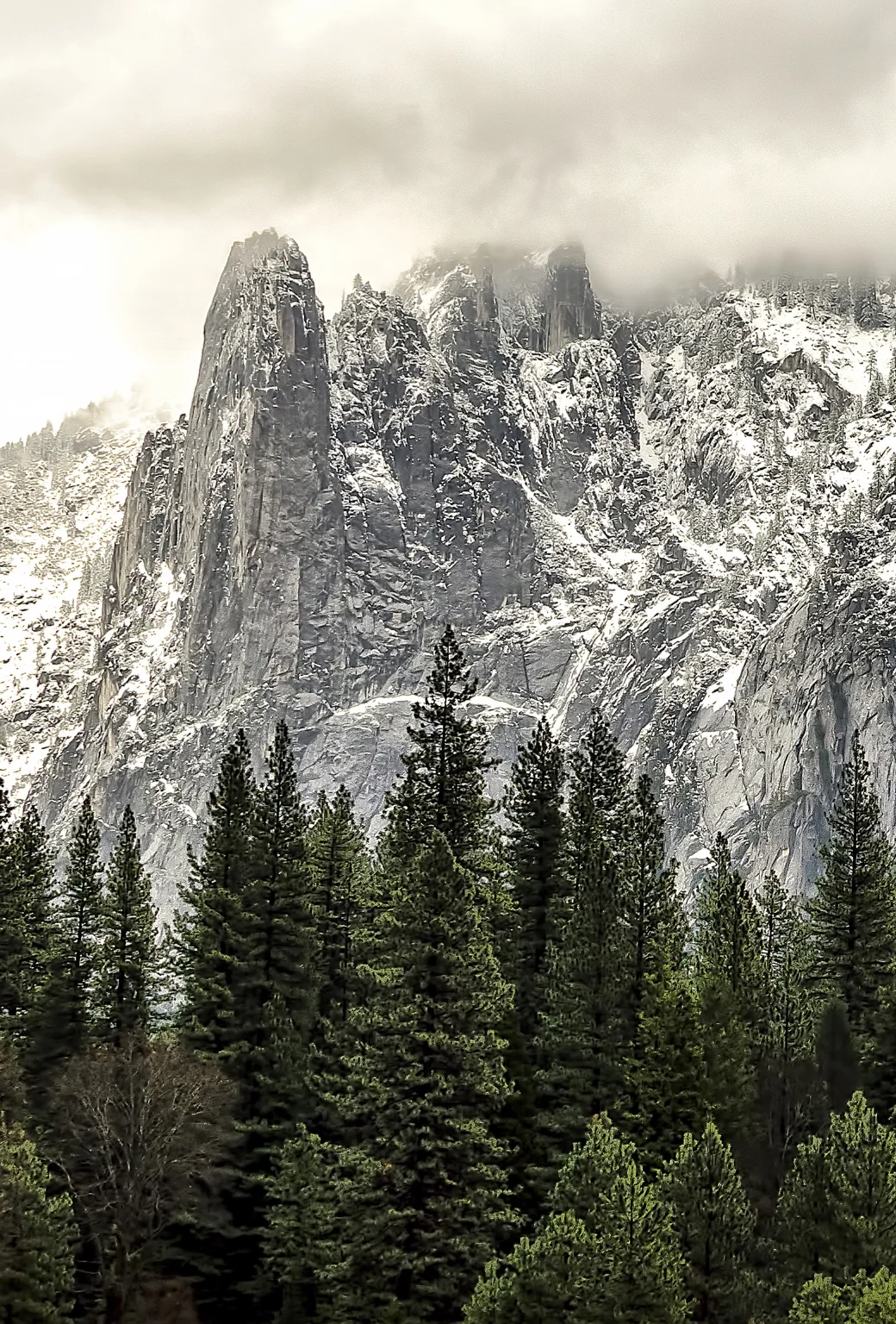
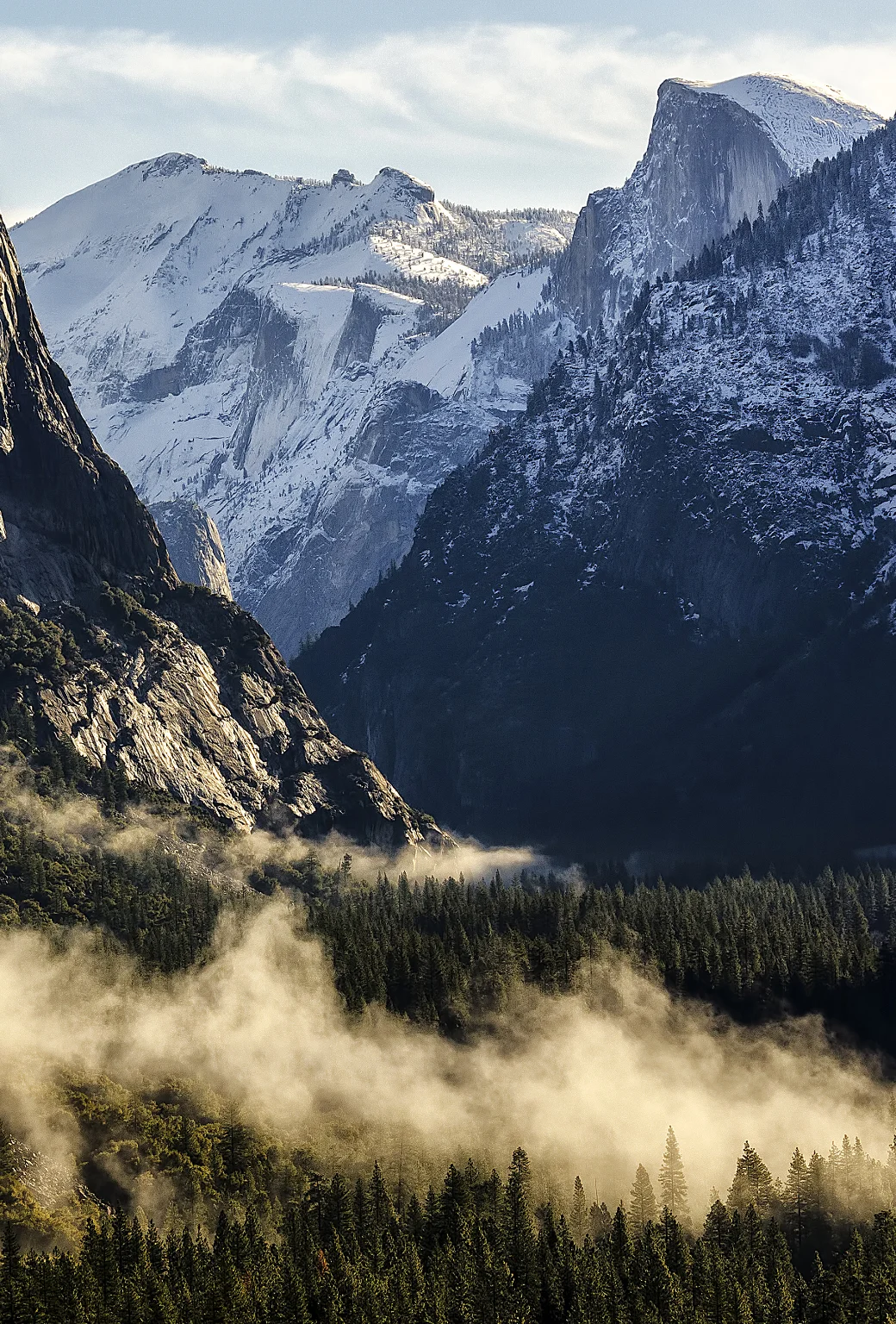
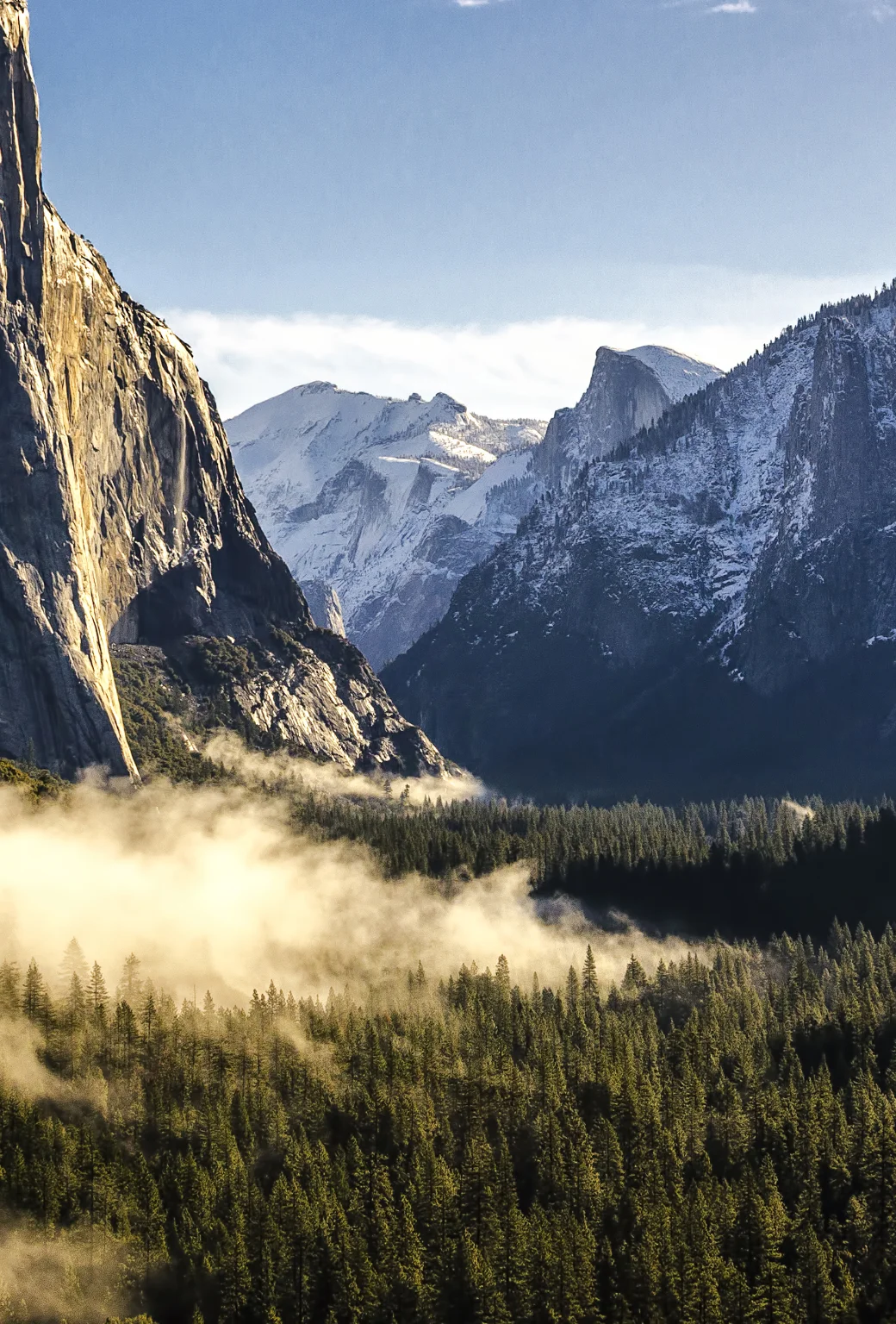
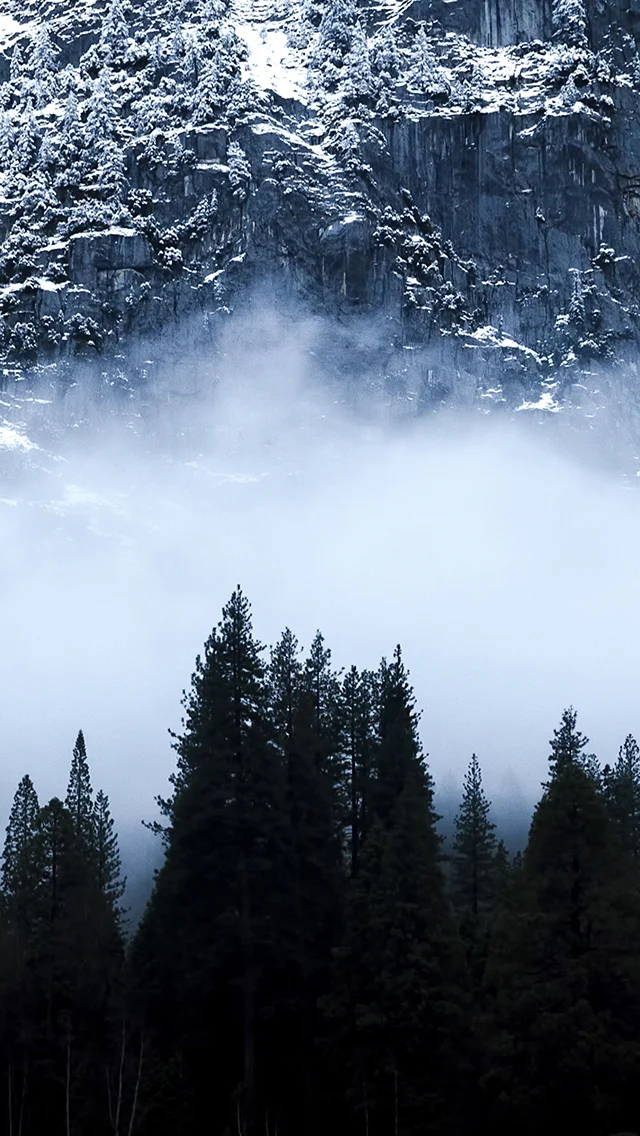
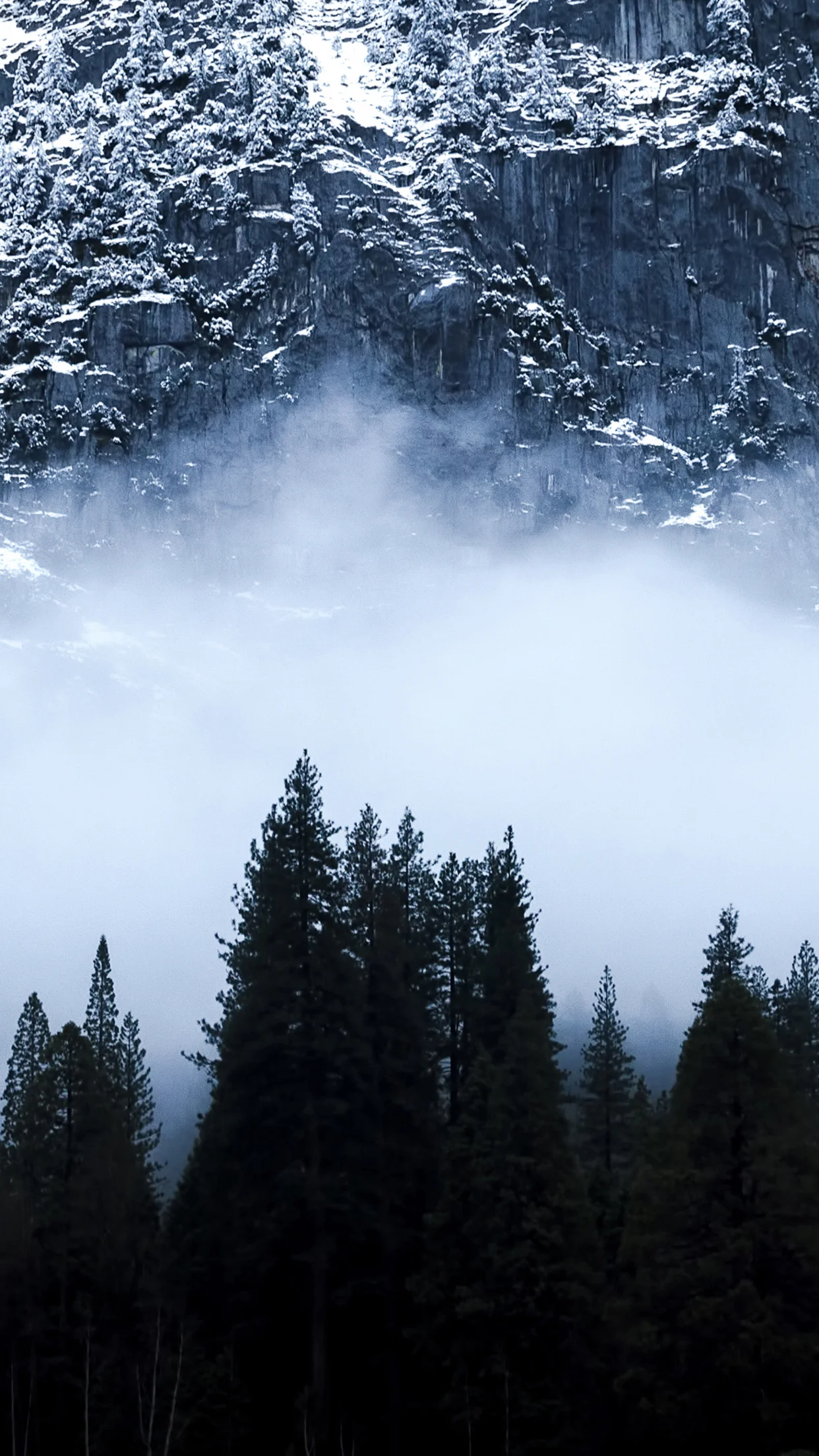
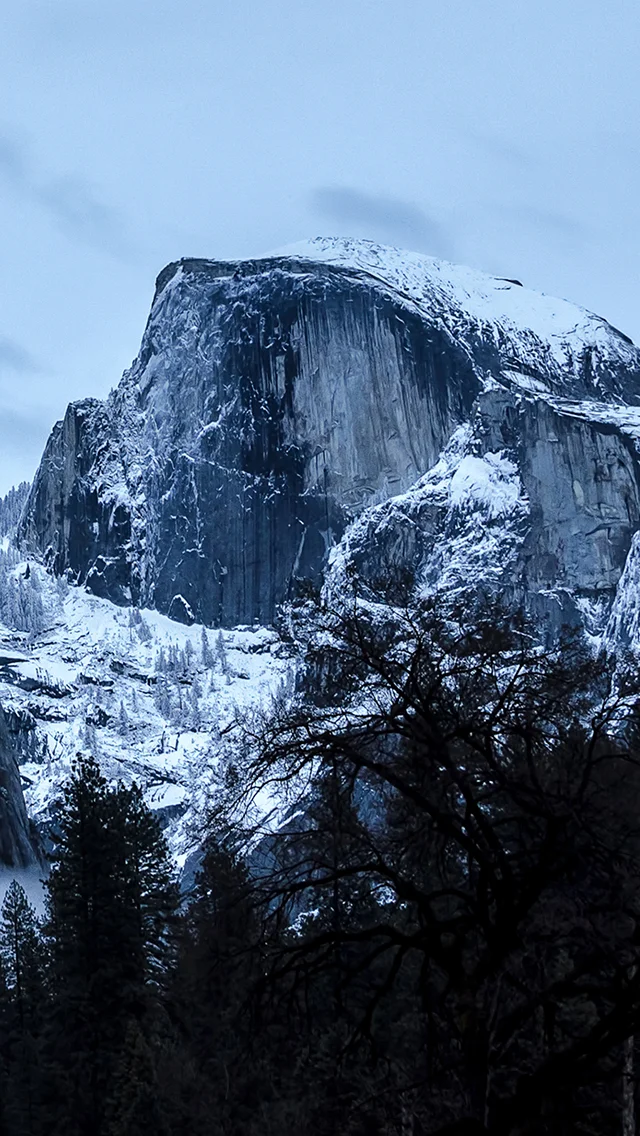
    In honor of Apple’s latest operating system announcement, OS X Yosemite (which, if you know me, that word alone gets me excited) I figured I’d rehash some of my images from my Yosemite adventures last year. In case you don’t want to (or can’t) wait until the fall for the official release, after the ‘read more’ break below, you’ll find a few of my favorites optimized for your desktop backgrounds, and below those are the iPhone-optimized versions. To save them, just right click and choose ‘Save Link As…’ And as always, if you’re on Android or another platform, I don’t want you to feel left out. Just contact me and let me know what your device is and I’ll format it for you.

    Also, for a brand new mobile phone background from a recent trip to Yosemite, click here. And for the rest of the images from my more recent Spring 2015 trip back to Yosemite Valley, click here.

    And for more of my madness:
    Instagram: @wasimofnazareth
    Ello: @wasimofnazarethGoogle+: www.Google.com/+WasimMuklashy
    Facebook: www.Facebook.com/WasimOfNazareth

    Enjoy…

    Wasim_Muklashy_Photography_OS X Yosemite_A Slice Of Yosemite Layer Cake

    Wasim_Muklashy_Photography_OS X Yosemite_Rolling Through

    Wasim Muklashy Photography_OS X Yosemite_Tunnel View
    Wasim Muklashy Photography_Apple OS X Yosemite_spirits in yosemite wide.
    Wasim_Muklashy_Photography_Yosemite_Lady_In_White_Apple OS X Yosemite

    Wasim Muklashy Photography_Apple OS X Yosemite_half dome after the storm.
    Wasim Muklashy Photography_Apple OS X Yosemite_el capitan dares you.
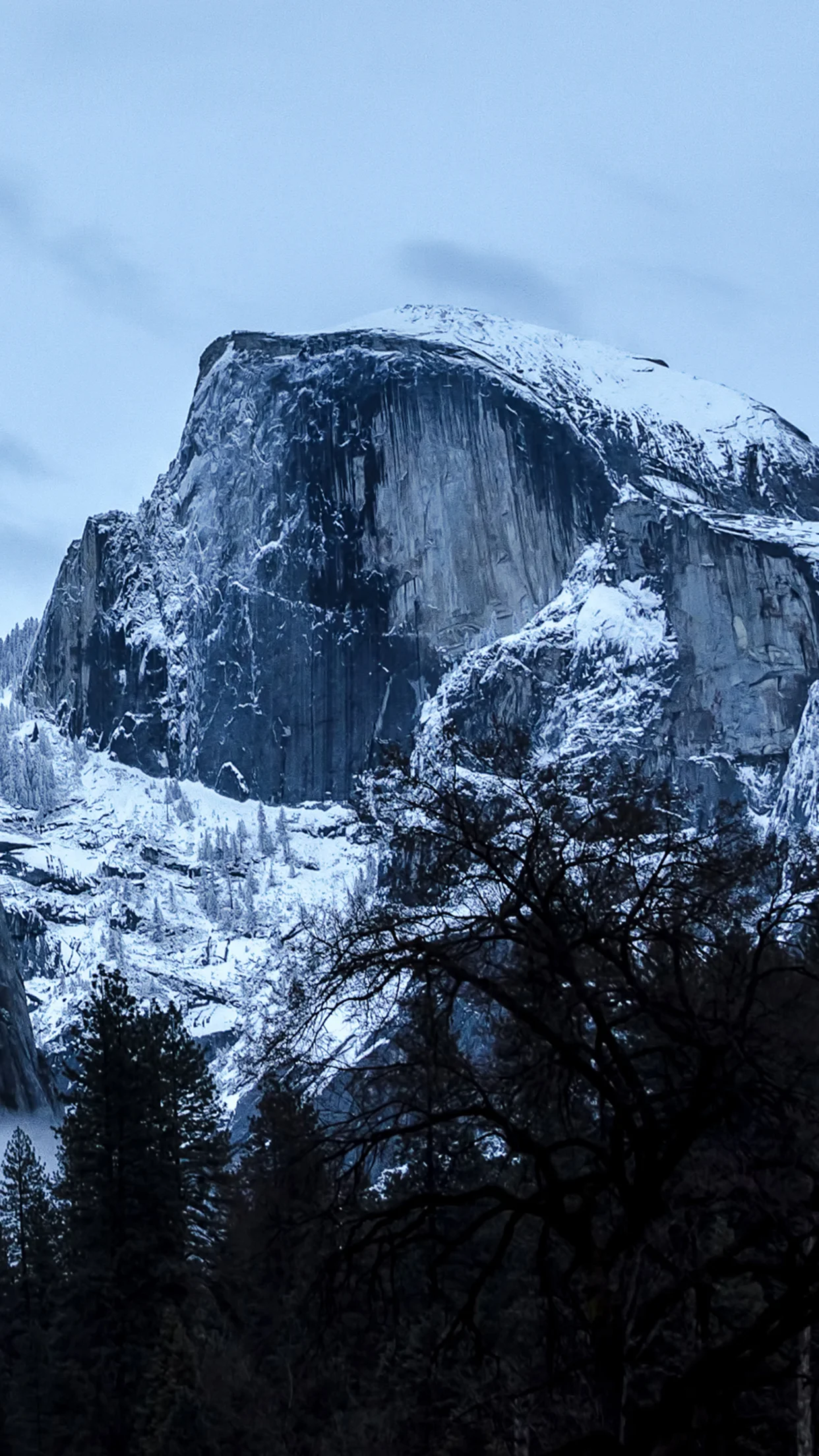
    Wasim Muklashy Photography_Apple OS X Yosemite_coming round the mountain.
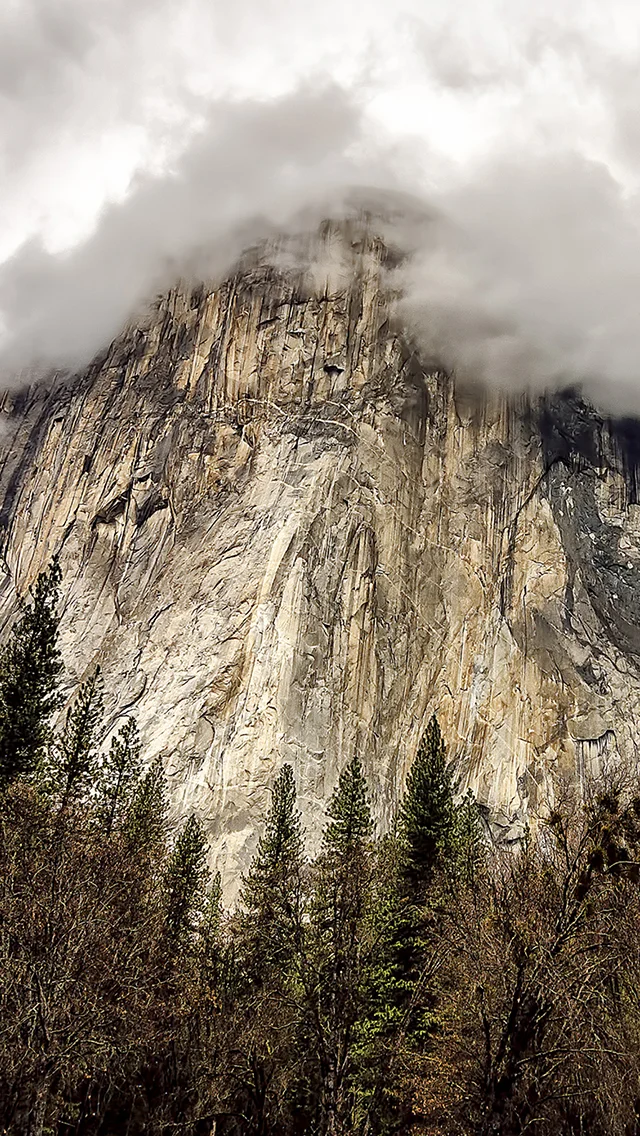
    coming round the mountain.

    el capitan dares you.

    half dome after the storm.

    Wasim_Muklashy_Photography_Yosemite_Lady_In_White_iPhone5

    spirits in yosemite wide.

    rolling in.

    rolling through.

    a slice of yosemite layer cake

    Please keep in mind, I still hold the copyright to these images. They are provided for you to download for personal use only. If you would like to license one of these images, please contact me.

  • Let The Topanga Gradient Take Over Your iPhone!

    Let The Topanga Gradient Take Over Your iPhone!

    Wasim_Muklashy_Topanga_CA_031614_NX30_SAM_0547_iPhone5_Parallax

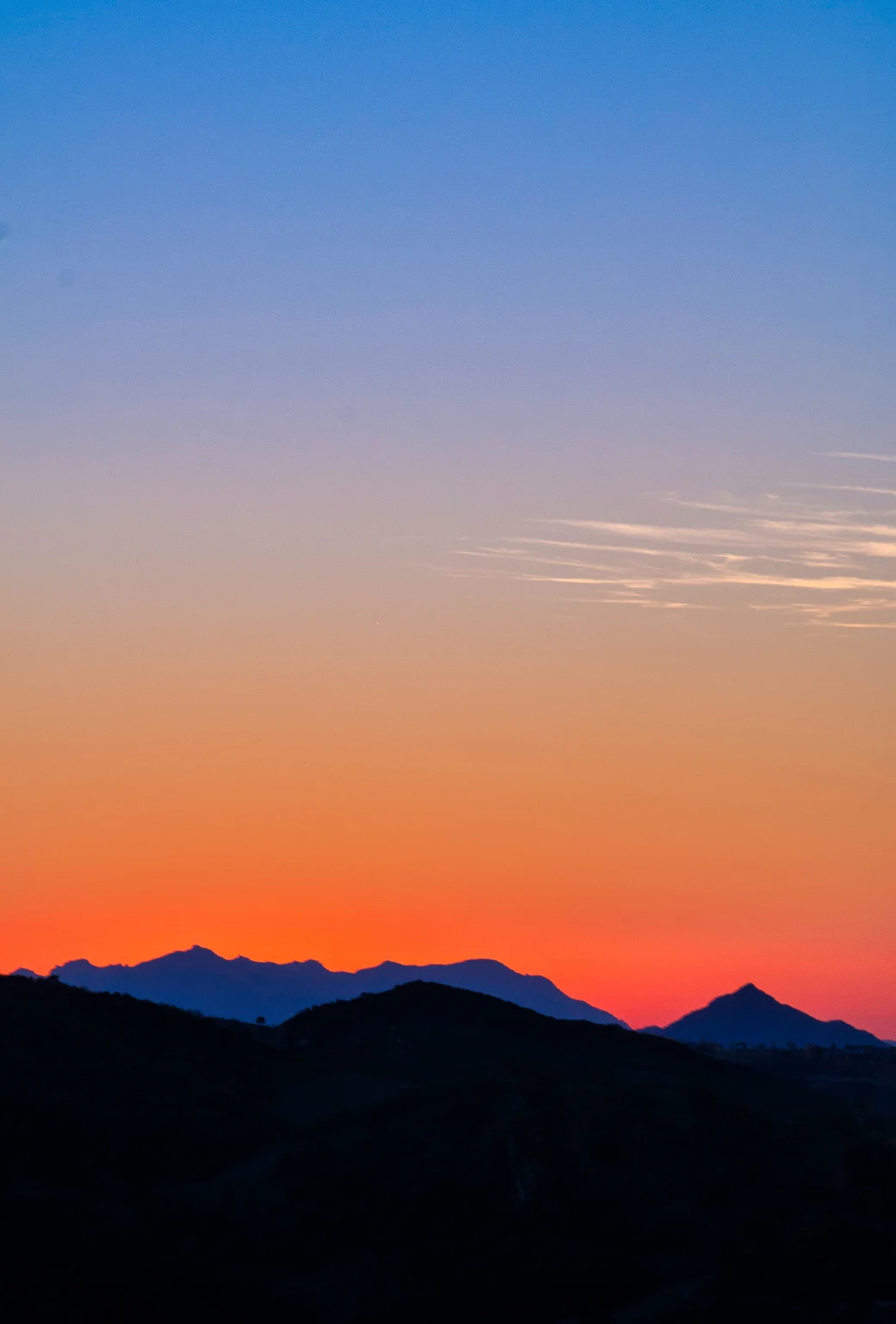
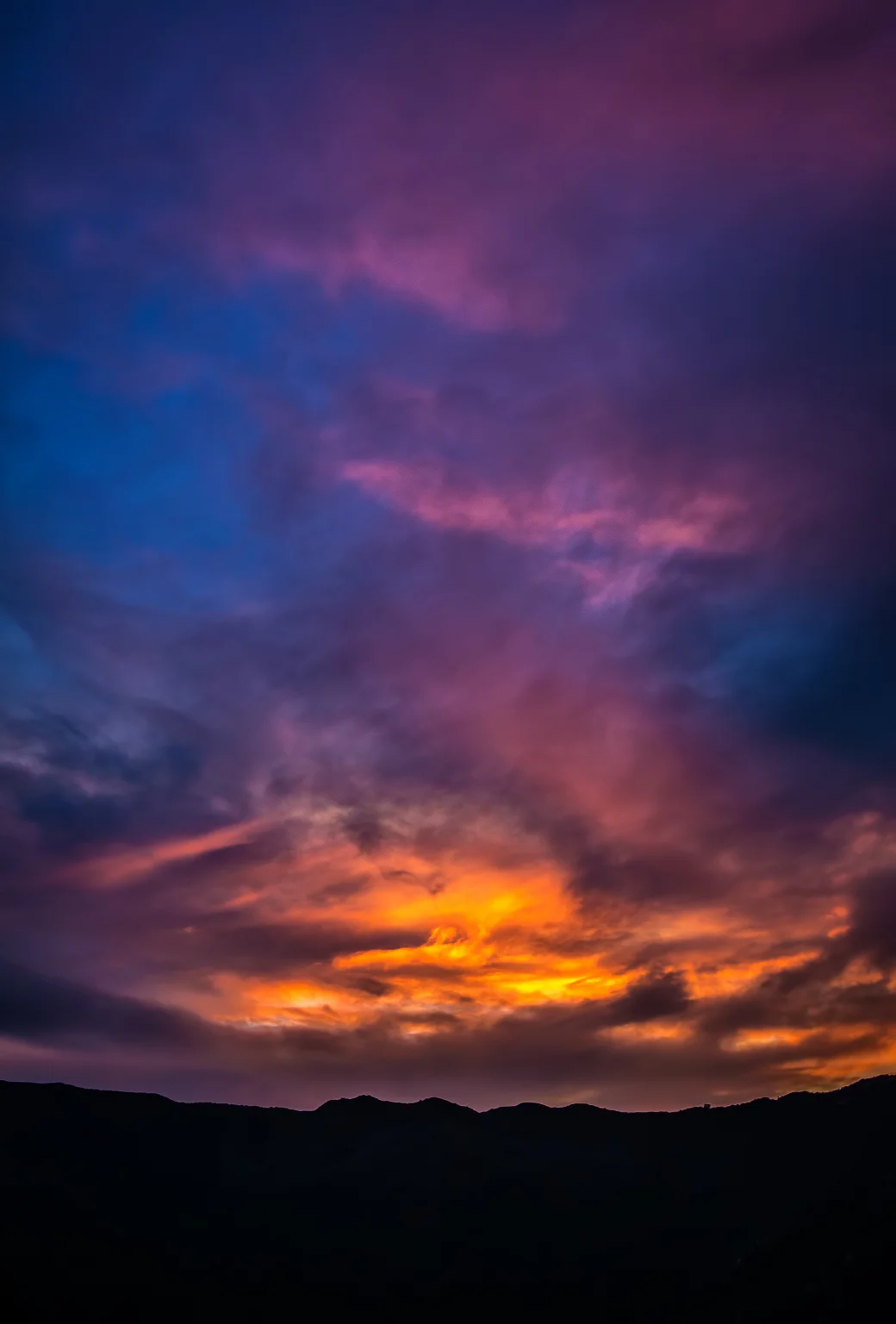
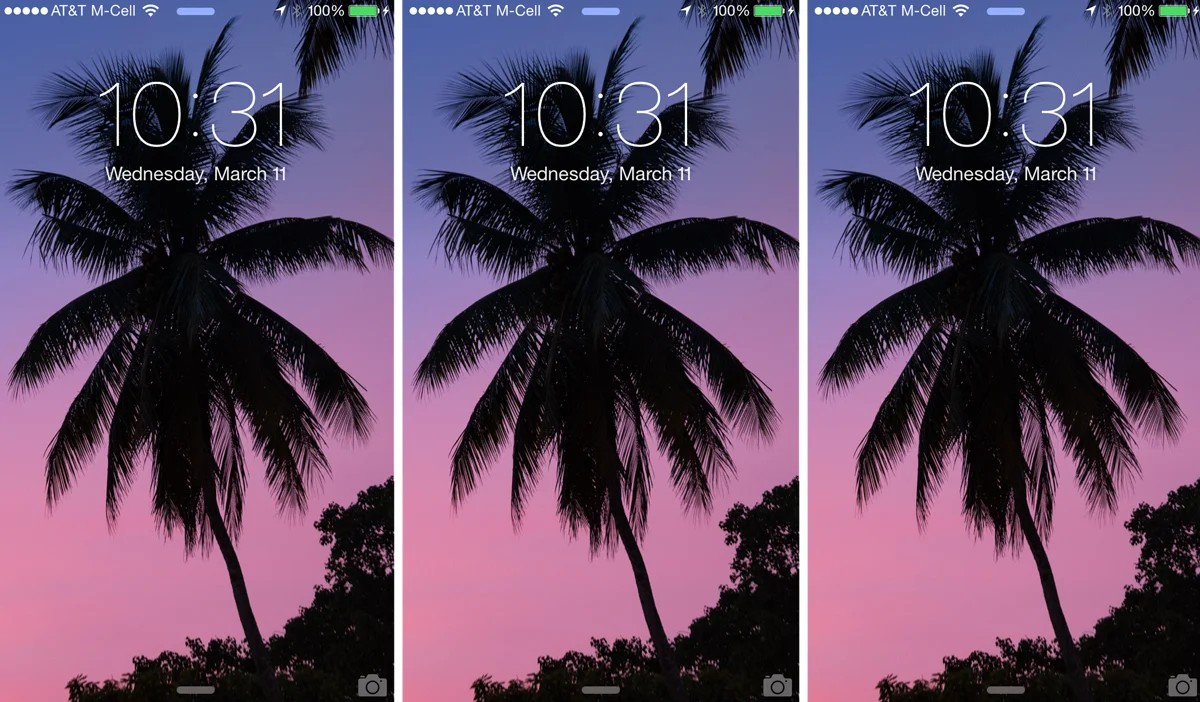
    Every now and again I throw out an image I feel fits well as a background for the iPhone, and now is one of those agains. Here’s an image I captured last week on the Samsung NX30 as the sun was dropping behind this Santa Monica Mountains ridgeline overlooking Topanga Canyon, California. The gradient of colors was insane, so figured why not bring insanity to your phone. Just right click on the bugger and save the source image (‘Save Link As…’), or click right here, and there you go.
    If you’ve missed the past backgrounds I’ve posted, here they are again:

    California Finally Got Rain And Left Us With A Gift – Another iPhone BackgroundA Fresh Selection Of iPhone 5 Parallax Wallpapers If You Wanna
    Happy iOS 7 Day! Here’s A Fresh Wallpaper For That Parallax iPhone Action!
    Happy iPhone Day! Here’s Some Teasers & iPhone Stuffs
    Some Autumn Themed Parallax Wallpaper Madness for your iOS 7 iThings

    And as always, if you don’t use an iPhone and you’d like the background formatted for your mobile device, let me know, I’ll gladly do so.

  • California Finally Got Rain And Left Us With A Gift – Another Perfect iPhone Wallpaper!

    California Finally Got Rain And Left Us With A Gift – Another Perfect iPhone Wallpaper!

    So I was out on a job on Monday afternoon, and it was the day after Los Angeles finally got a bout of MUCH needed and necessary rain to break the spell of the drought, and the Southland’s citizens weren’t the only ones happy about it. The skies and trees and flora and fauna went kinda nuts as well. So here’s a capture taken on the Samsung NX300 that’s optimized for iPhone 5 parallax fantastica, and, as always, if you’d like it for a different device, let me know, I’ll be more than happy to size it for that as well. Anywho, just right click and save the source image. If you missed my last few batches, here are some others that might work for you:

    A Fresh Selection Of iPhone 5 Parallax Wallpapers If You Wanna

    Happy iOS 7 Day! Here’s A Fresh Wallpaper For That Parallax iPhone Action!

    Happy iPhone Day! Here’s Some Teasers & iPhone Stuffs

    Some Autumn Themed Parallax Wallpaper Madness for your iOS 7 iThings

  • A Fresh Selection Of iPhone 5 Parallax Wallpapers If You Wanna

    A Fresh Selection Of iPhone 5 Parallax Wallpapers If You Wanna

    Santa monica ca iphone5p

    Murrieta ca iphone5p

    Topanga canyon ca iphone5p

    I know it’s been a while, and have quite a few things lined up for real soon, but until then hopefully a few iPhone5 parallax wallpapers can tide you over if you want ’em…

    If you’re on your iPhone, just click the one you like and when the full resolution one comes up, press down, and save to camera roll. If you’re in your browser, you can do the same by right-clicking and saving the image to your hard drive.

    These were all shot on the Samsung NX300 for their Imagelogger program. And as always when I throw these suckers out there, if I get enough interest for other devices, I’ll gladly begin to format for those as well. Feel free to drop me a line…